



Centralize contract storage with SpotDraft x OneDrive integration
Automatically save executed contracts as PDFs to OneDrive with structured folders and consistent naming—keeping your contract portfolio organized and accessible.


From signature to secure storage, automatically
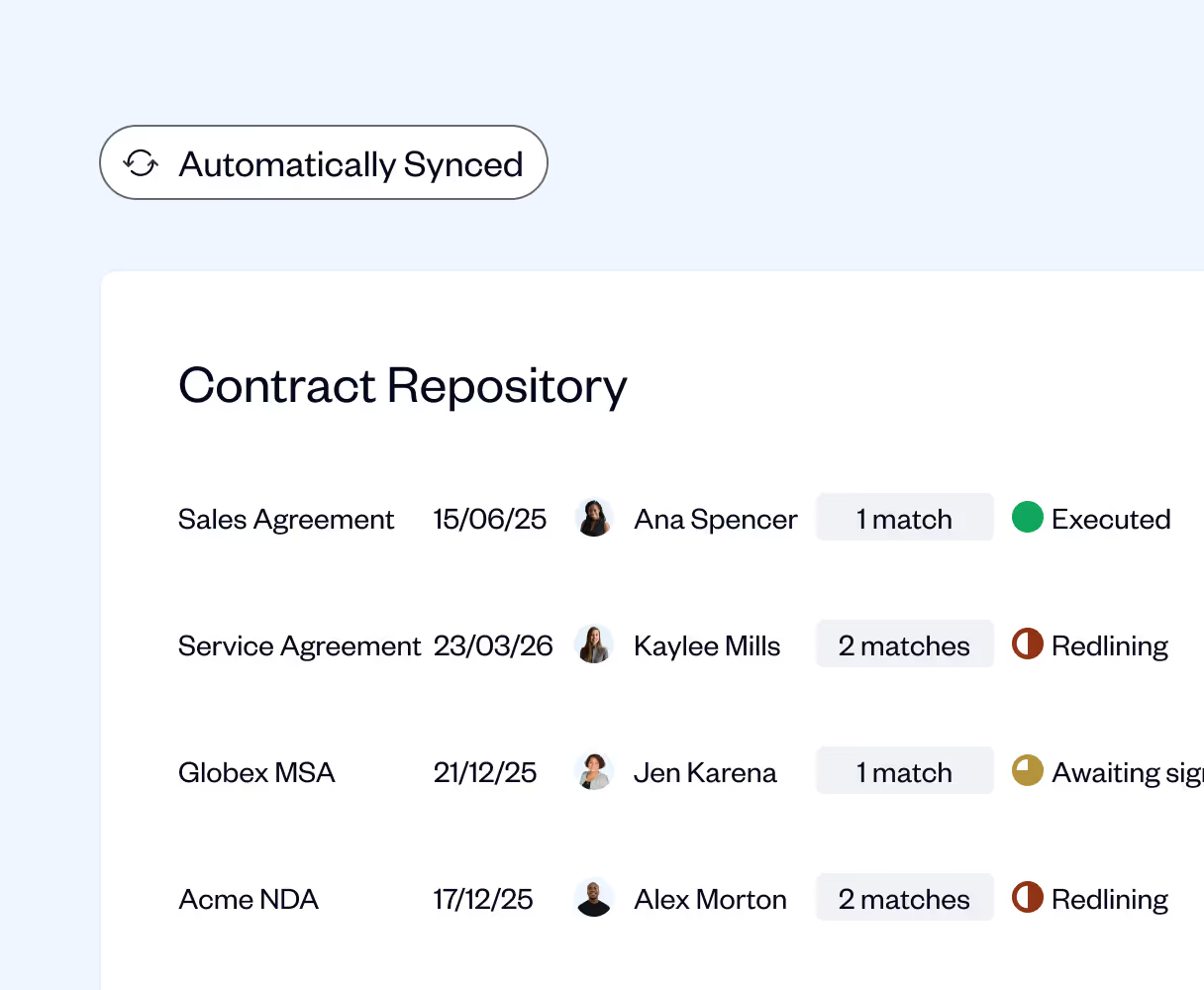
Your contracts, perfectly organized in one place
- All executed contracts automatically sync as PDFs to your designated OneDrive folder
- Structured subfolder options by counterparty, contract type, or entity
- Consistent file naming with customizable labels and date formats
- No manual downloads or uploads—contracts appear in OneDrive instantly after execution
.avif)
Collaboration without the chaos
- Leverage OneDrive's sharing tools to collaborate with teams and stakeholders
- Maintain complete control over who can access specific contracts
- Find contracts fast with logical folder structures and clear naming conventions
- OneDrive becomes your centralized, searchable contract repository
.avif)
Enterprise security meets automated efficiency
- Benefit from OneDrive's robust security protocols for sensitive contract data
- SpotDraft's automated backup system provides an additional layer of protection
- Contracts are stored securely and backed up consistently
- Peace of mind knowing every executed agreement is safely preserved
.avif)
.avif)

Frequently Asked Questions
What does the SpotDraft–OneDrive integration do?

How does this integration benefit my team?
Can I choose where contracts are saved in OneDrive?
How are contract files named and organized?
Can I upload all types of contracts to OneDrive?
Who should use the OneDrive integration?