


Send your SpotDraft contracts for eSigning via DocuSign


Say goodbye to the hassles of using multiple tools
Send your SpotDraft contracts for eSigning via DocuSign seamlessly
- SpotDraft’s AI powered contract creation and management solution enable you to get the document just right, before you send it off for signatures via DocuSign.
- Maintain an updated repository in both the tools, without the hassle of manually uploading executed contracts.
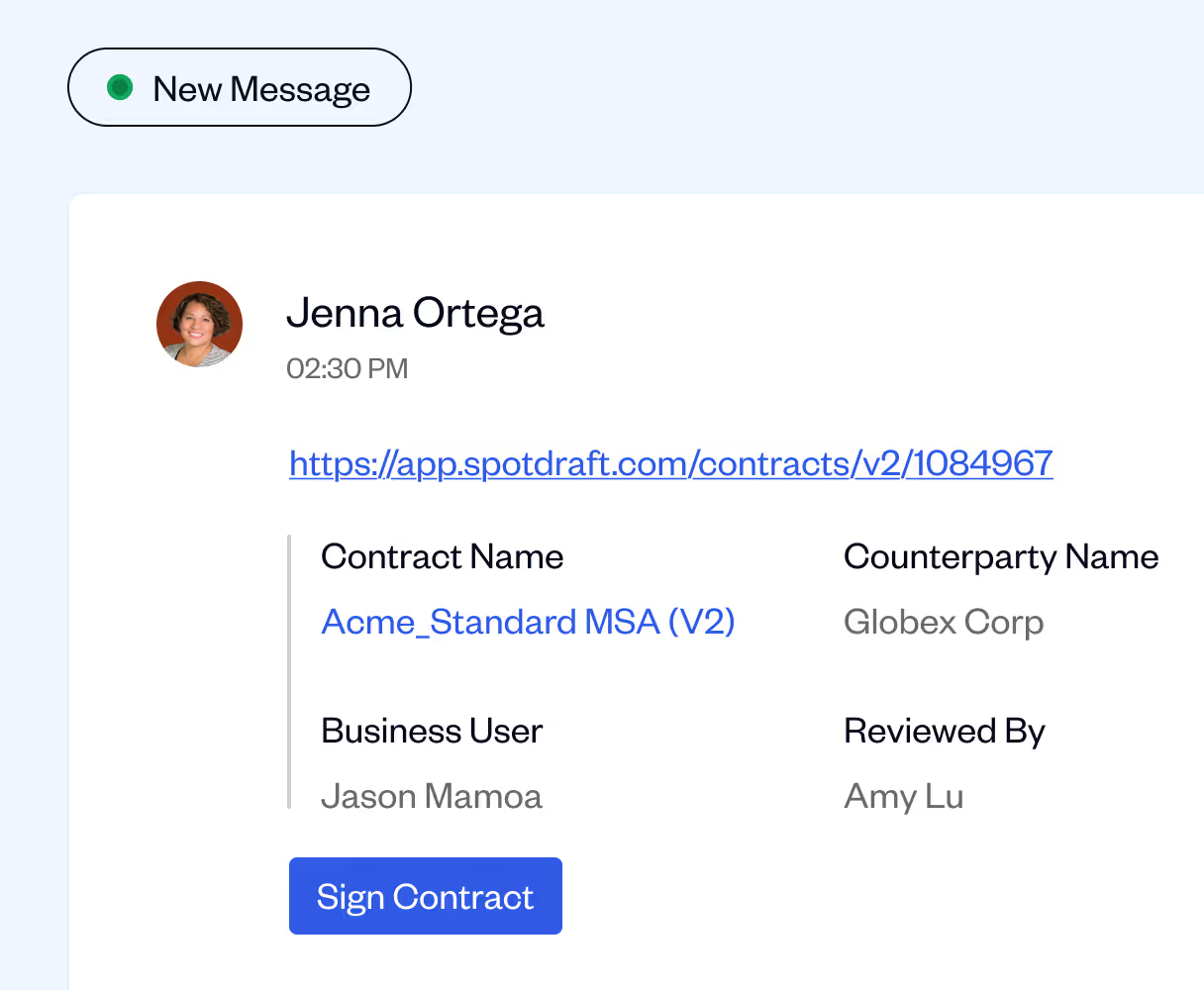
.avif)
Send SpotDraft contracts for eSigning as DocuSign packets
Once your contract has been vetted and gone through the pipeline on SpotDraft, you can send it for eSigning via DocuSign.
Standard template contracts get auto-populated with the signing fields and can be sent at the click of a button. Prepare and send customer contracts to the authorised signatories instantly!
.avif)
Get the eSigned document updated on both tools automatically
Once your contract has been signed by all the parties via DocuSign, the updated copy gets updated on SpotDraft and DocuSign.
Ensure that your repositories are always up to date, and you have the right contract at hand, at all times.
.avif)
Set preferred eSignature services as per contract requirements
You can set a default eSigning service for any of your contracts on SpotDraft.
Without the need for a manual intervention, ensure contracts going out for signatures are sent via the preferred service as per organisational SOPs.
.avif)

Frequently Asked Questions
What does SpotDraft's DocuSign integration do?

What types of contracts can we send through DocuSign?
Can we track signature status in real-time?
Can I collect approvals before sending for signature?
Can I control signing order?
What happens if I void the envelope in DocuSign?
How is this different from sending documents from DocuSign alone?