


.svg.avif)
Stay on top of contracts with SpotDraft x Microsoft Teams integration
Receive real-time contract notifications in your Teams channels and access contract details instantly—no context switching required.


Your contract command center, right in Teams
Never miss a critical contract milestone
- Get real-time notifications on contract requests, reviews, signatures, and status changes
- Route notifications to specific Teams channels for faster team response
- Stay informed from contract inception through execution
- Coverage across all contract types—templates, third-party papers, upload & sign, and executed contracts
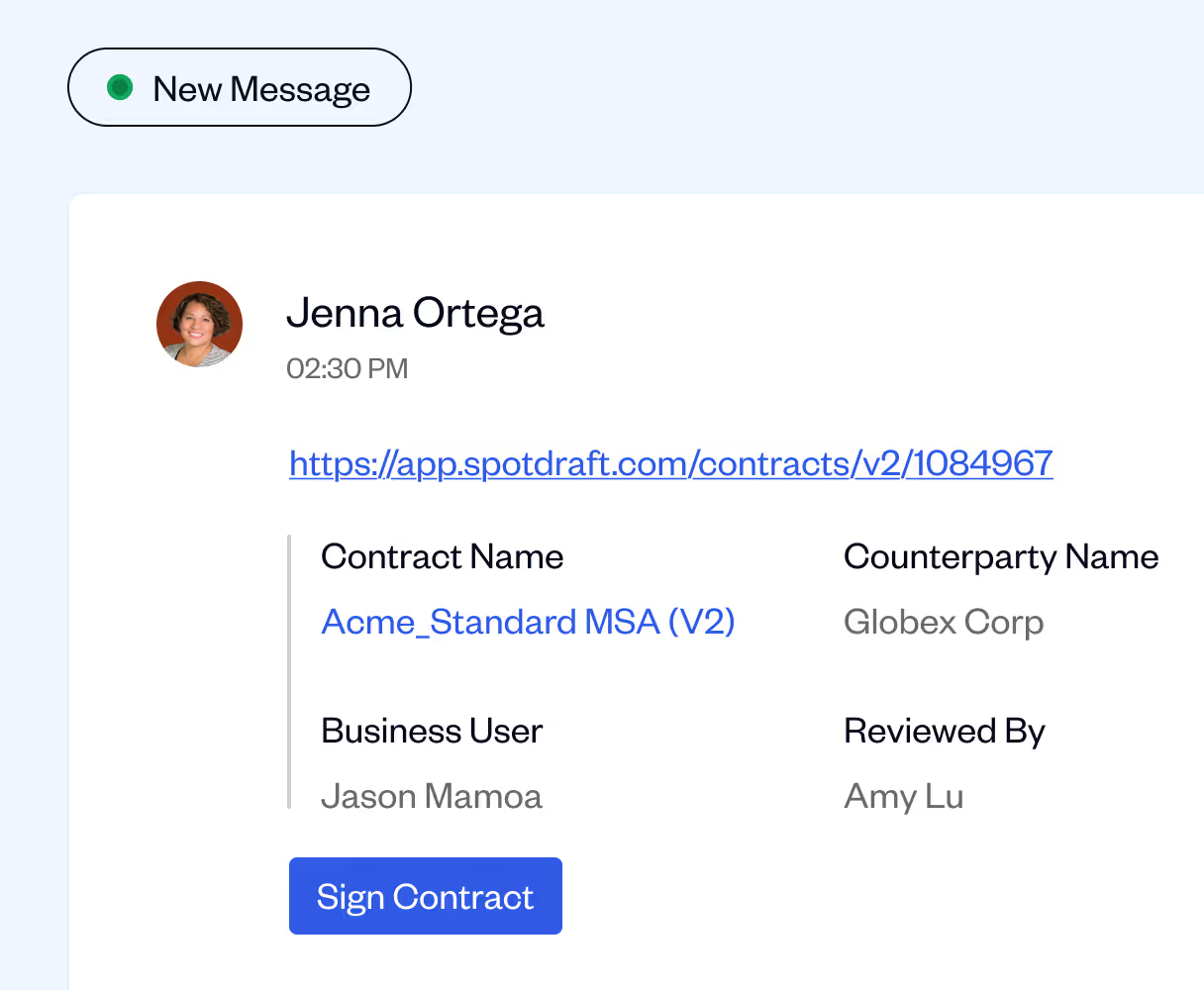
.avif)
Access full contract context without leaving Teams
- Every notification includes contract name, initiator, counterparty, and relevant tags
- Click through directly to contracts in SpotDraft for immediate action
- Customize which contract activities and types trigger notifications
- Tailor updates to match your team's specific workflow needs
.avif)
Boost collaboration across legal, sales, and procurement
- Bring contract visibility to cross-functional teams in their daily workspace
- Targeted channel notifications keep relevant stakeholders in the loop
- Reduce delays from missed emails or siloed contract information
- Enable faster decision-making with instant access to contract status
.avif)
.avif)

FAQ
We’re here to help with any questions you have.
What does the SpotDraft × Microsoft Teams integration do?

How does this integration help teams work better?
What kind of contract notifications can I receive in Teams?
Can notifications be customized for specific teams or contract types?
Do I need admin rights to set up the integration?
Who benefits most from the MS Teams integration?