Create contracts from your Zoho Objects in minutes!
Say goodbye to the hassles of using multiple tools
Generate error-free template contracts every time
Streamline contract creation when you auto-fill contract values using Zoho data into SpotDraft templates.
You can place separate buttons for each SpotDraft contract template on any Zoho object and label it for easy identification.
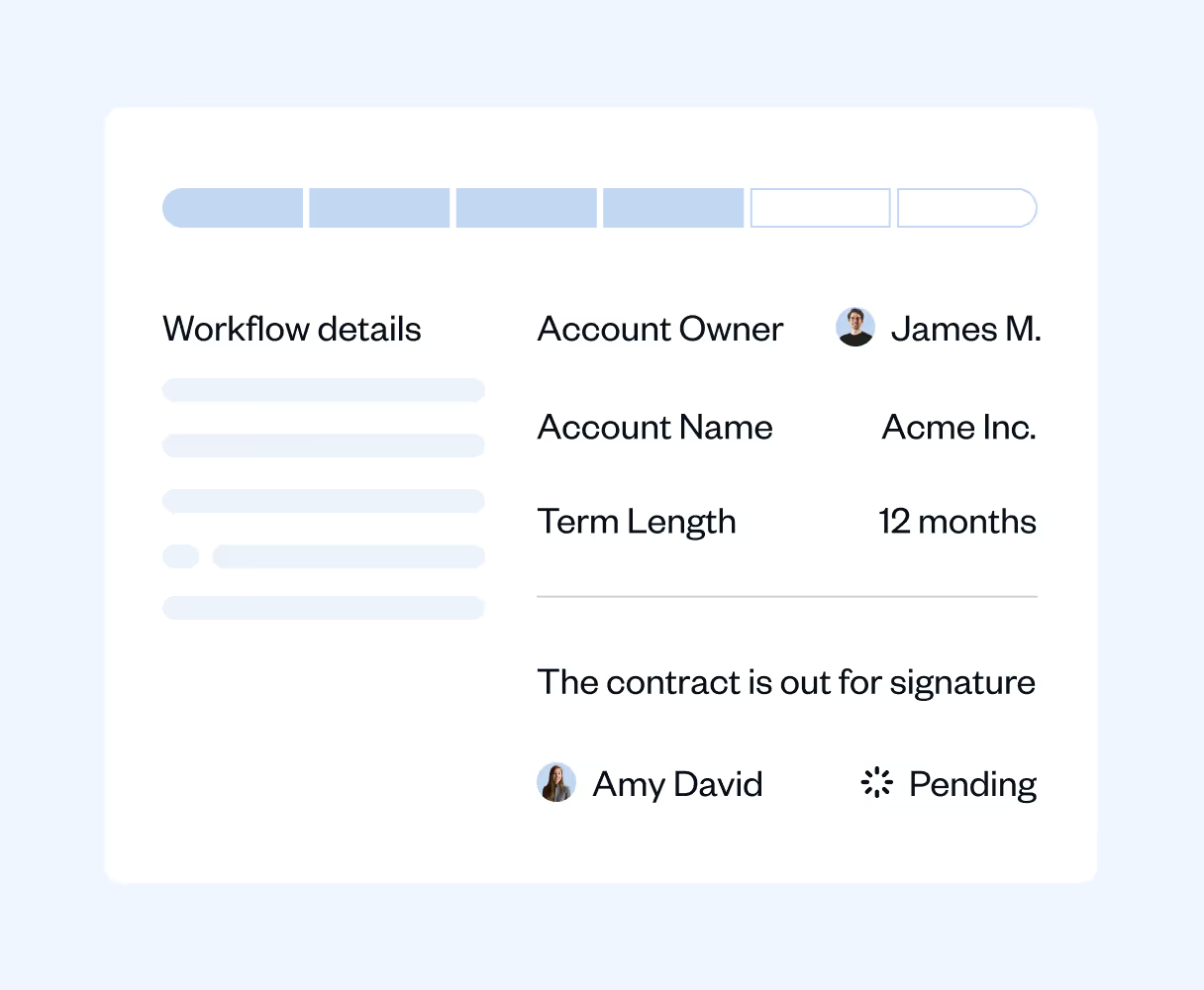
Create and manage proposals within Zoho
Let SpotDraft auto-fill your proposals with Deals or Account Object data and generate an error-free standard contract in minutes.
Save SpotDraft contract details on Zoho for easy search and retrieval.
Customize SpotDraft buttons for every Zoho object
To ensure your organisational standards are followed for every deal, SpotDraft lets you set conditions across Zoho objects and create custom buttons that are labeled for easy identification.
You can unlock the relevant contracts when required conditions are met, without intervention and confusion.
We’re here to help with any questions you have.
What does the SpotDraft–Zoho CRM integration do?
It lets sales teams generate contracts (e.g., NDAs, CPQs, MSAs) from Zoho with one click, using Zoho record data to auto-populate SpotDraft templates. Legal can keep working in SpotDraft while sales stays in Zoho—no copy-paste, fewer errors, faster deal cycles.
Who is this SpotDraft-Zoho integration for?
Revenue teams that run their pipeline in Zoho CRM (Deals, Accounts, Contacts) and want a modern CLM to draft, review, and execute contracts without switching tools.
How does “one-click” creation work inside Zoho?
You add a custom button (per contract type) to the Zoho module you prefer—commonly Deals, but Accounts or Contacts work too. Clicking the button sends the record’s data to SpotDraft through a secure webhook and instantly creates a contract draft from the selected SpotDraft template.
Which Zoho objects are supported?
You can place buttons on Deals, Accounts, or Contacts. The integration maps core counterparty info (Account/Contact) and any additional fields you map via the template questionnaire.
What types of contracts can we create?
Any SpotDraft template you configure—popular examples include NDA, MSA, CPQ/Order Form, SOW. Create multiple buttons (one per template) and map each template to the Zoho fields you want.
What data gets pulled from Zoho into a contract?
Anything you map—e.g., counterparty name, POC details, commercial terms, dates, currency, durations. Mapping is done in SpotDraft’s integration setup using a mapping sheet to pair Zoho fields with template questions.
What do we need before enabling the integration?
What happens if there's an error during field mapping?
If the integration encounters a mapping error—such as a missing value or data type mismatch—it flags the issue for review. The system will indicate which specific fields have problems, allowing you to identify and correct inaccuracies. It's important to ensure your mapping sheet accurately reflects the relationship between Zoho and SpotDraft fields during setup. If issues persist after contract creation, you can manually correct data within SpotDraft before finalizing the contract.