


Auto-upload your signed SpotDraft contracts to Box instantly!
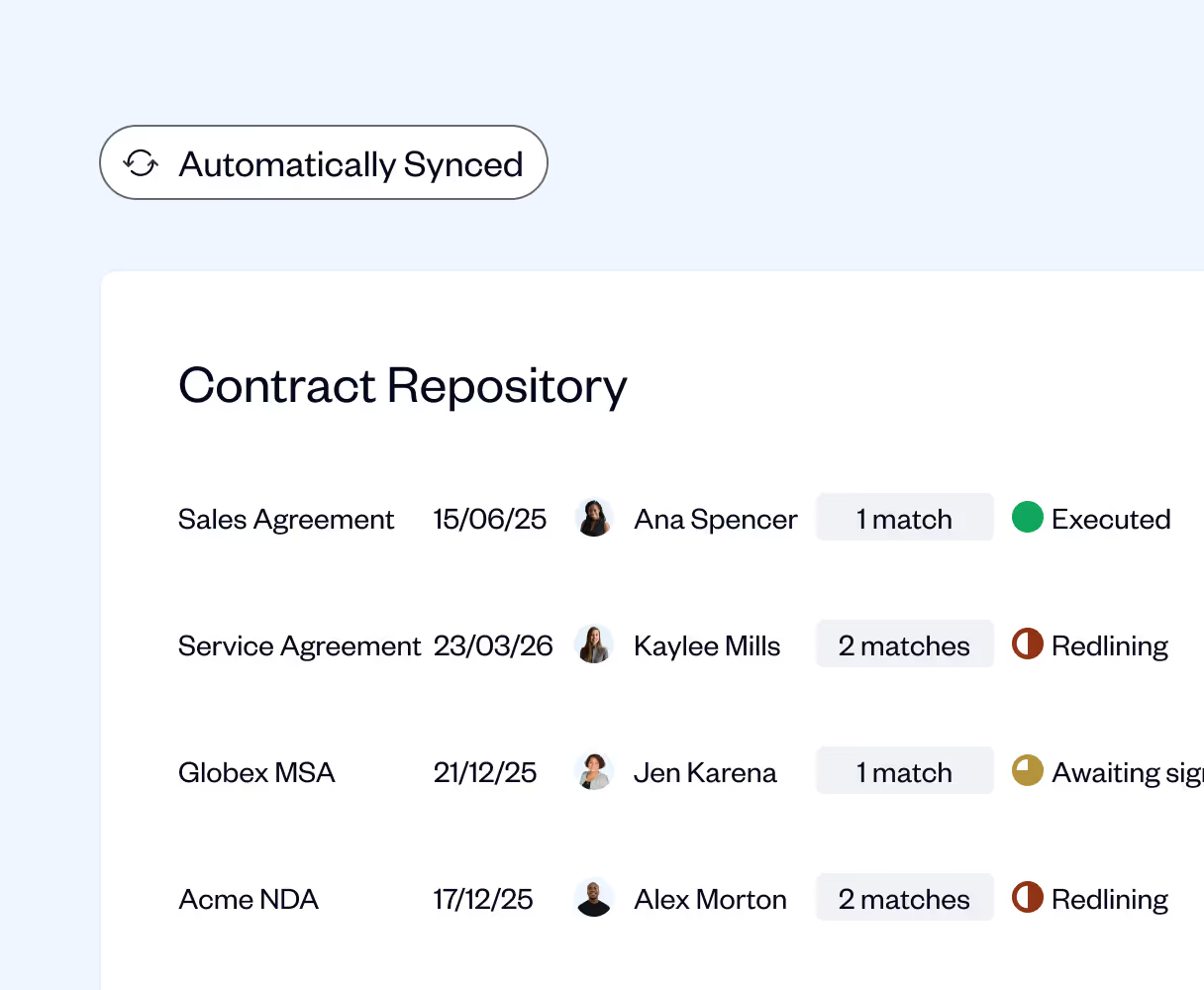
When you execute contracts on SpotDraft, we upload them to Box for a secure storage and shared access across functions.


Say goodbye to the hassles of using multiple tools
Ensure a secure storage and shared access
SpotDraft auto-uploads the final copy of signed contracts to your cloud storage drive in a designated folder.
You'll never have to scrounge for historical contracts down the line, or for sharing contracts across teams.
.avif)
Securely store your eSigned contracts on Box
Auto-upload eSigned SpotDraft contracts to Box without lifting a finger.
Whichever workflow you start off with, as soon as your contract reaches the ‘Executed’ stage on SpotDraft, it gets securely uploaded to your Box folder.
.avif)
Assign designated folders and naming conventions for your contracts
Make storage and retrieval of contracts super convenient by defining a naming structure for your signed contracts.
Designate a folder for every contract type, and name it in the required format - whatever makes it easy to search and retrieve a contract down the line.
.avif)
.avif)

FAQ
We’re here to help with any questions you have.
What does SpotDraft's Box integration do?

What are the main benefits of integrating Box with SpotDraft?
How does the integration work?
Can I include subfolders within my main Box folder?
Can team members collaborate on contracts stored in Box?