Conga CLM Pricing Guide for 2026 With Key Cost Factors

Huzaifa Sultana is a Marketing Associate at SpotDraft focusing on Organic Growth through SEO and AEO.

Conga does not publish a standard rate card. Salesforce AppExchange lists Conga CLM starting at $35 per user per month, but that is only a starting price. Third-party purchasing data from Vendr gives a broader view of what buyers have paid for Conga overall, not Conga CLM specifically. Because Vendr updates its dataset as new deals are added, the figures should be treated as a dated snapshot.
If you are looking up Conga CLM pricing, you have probably already noticed that there is no single public price to work with. What you pay depends on the edition (version or tier) you choose, the number and type of users, your contract volume, and the level of implementation and support your team needs.
Your total cost can also go up if you need more than just Conga CLM. Conga also sells Composer for document generation, Sign for e-signatures, and CPQ for sales quoting. These products may be included in the setup or priced separately, depending on the quote.
This guide breaks down Conga CLM pricing, the main factors that can increase Conga cost, and the extra charges worth understanding before you commit to Conga.
Conga does not publish a standard CLM rate card, so third-party purchasing data gives some context on what buyers have paid. As of August 2026, Vendr reports a median annual Conga purchase of $17,179, with reported purchases ranging from $2,182 to $88,831 across 236 deals.
As of August 2026, Vendr reports a median annual Conga purchase of $17,179, with purchases ranging from $2,182 to $88,831 across 236 deals.
Source: Vendr
These figures cover Conga overall rather than Conga CLM alone. The wide range also reflects the fact that a Conga purchase can include different products and services.
The main Conga products are:
Salesforce AppExchange lists Conga CLM starting at $35 per user per month. The final price can be higher once setup, feature level, and other costs are added.
Conga currently runs two contract lifecycle management deployment options, each with its own editions:
For the standalone version, the three levels are:
Higher feature levels include more advanced features and can increase the Conga CLM price.

Conga Composer is used for document automation and document generation beyond what Conga CLM already handles. There are two types of Conga Composer usage: manual and automated. Manual use is covered through user licences, while automated generation comes with a usage allowance. If that allowance is exceeded, additional capacity costs extra.
Conga Sign handles electronic signatures and is included when signing contracts as part of a Conga CLM workflow.
However, separate pricing may apply if Conga Sign is used outside Conga CLM workflows or if automated signing exceeds the included allowance. Paid authentication features may also add to the cost.
Conga CPQ (configure, price, quote software) supports quoting for the sales team and does not have standard published pricing. The quote depends on the edition, number of users, and the complexity of the quoting setup.
Conga CPQ includes access to Conga Composer and Conga Sign for creating and signing quotes. That access is limited to creating and signing sales quotes. Using either product for other purposes requires a separate subscription.
Conga's pricing structure depends on how the platform is set up, how your team uses it, and the services included.
Conga uses Full/Admin, Collaborator, and Read-Only user types.
Admin access already includes standard user access, so the same person does not need a second licence.
Contract volume is priced separately from user access:
This means two teams with the same number of users can still receive different quotes if their licence mix or contract volume is different.
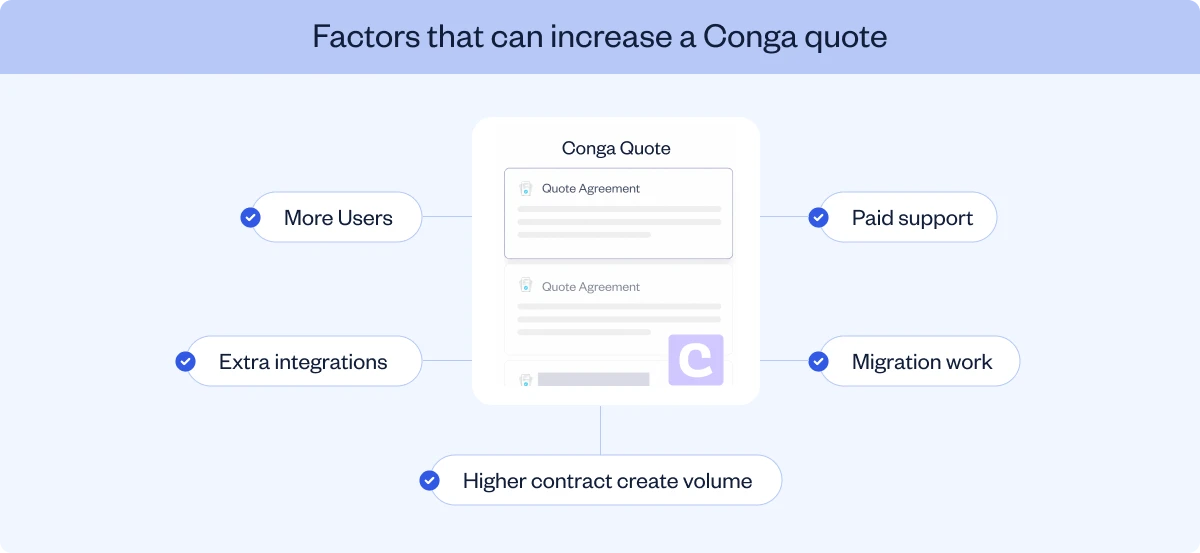
Conga's standard implementation package runs about 12 weeks from start to finish: four weeks of readiness, an eight-week project, and one week of post-launch support. That timeline applies to the standard package and may differ for more complex setups.
There is also internal time to account for. Project management, legal review, and IT work can add up to 100 hours or more, even though that effort does not appear on Conga’s invoice.
The standard package also covers a defined number of agreement types, fields, templates, roles, and approval workflows. Going beyond those limits may require additional professional services or a separate agreement.
Moving existing contracts and data into Conga is not included in the standard implementation package. Migration is priced separately when it falls outside the standard package, especially when there is a large contract volume or more work is needed for file cleanup, field mapping, and validation.
Custom integrations with other systems are also priced separately, with one exception: e-signature setup for Conga Sign, DocuSign, or Adobe Sign is included. Everything beyond that, additional integration work, login setup, and ongoing maintenance, gets its own quote.
Salesforce can add a separate cost. Conga's standalone system doesn't require it at all, but the Salesforce-native version runs inside Salesforce, which means that cost becomes part of your bill too.
Implementation has an end date, but some hidden costs can continue well past it. Training materials, security setup, and change management all sit outside the standard package, which means they're priced separately.
Ongoing support comes in four tiers, with premium support available at the higher levels:
Customer reviews point to setup and integration as areas where teams may rely more heavily on support. Some reviewers mention complex configuration and repeated support contact around integrations and system refreshes.
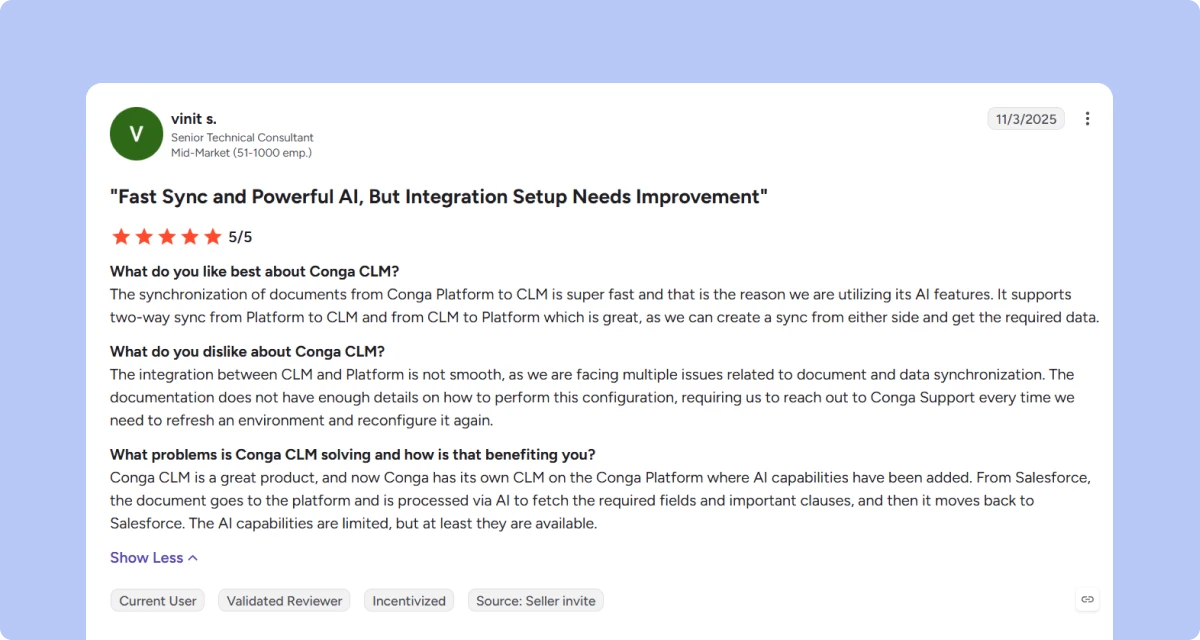
Source: https://www.g2.com/products/conga-conga-clm/reviews#reviews
Conga also sells extra consulting hours beyond this, and unused hours expire after a set period. You should therefore size consulting hours around the work you realistically expect to complete within that period.
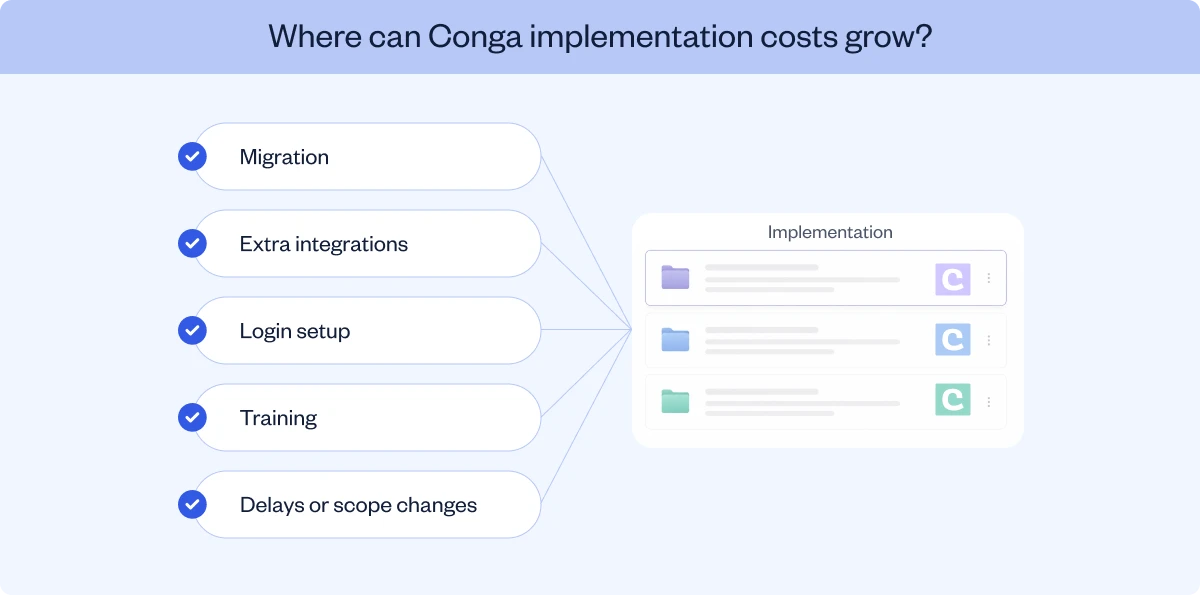
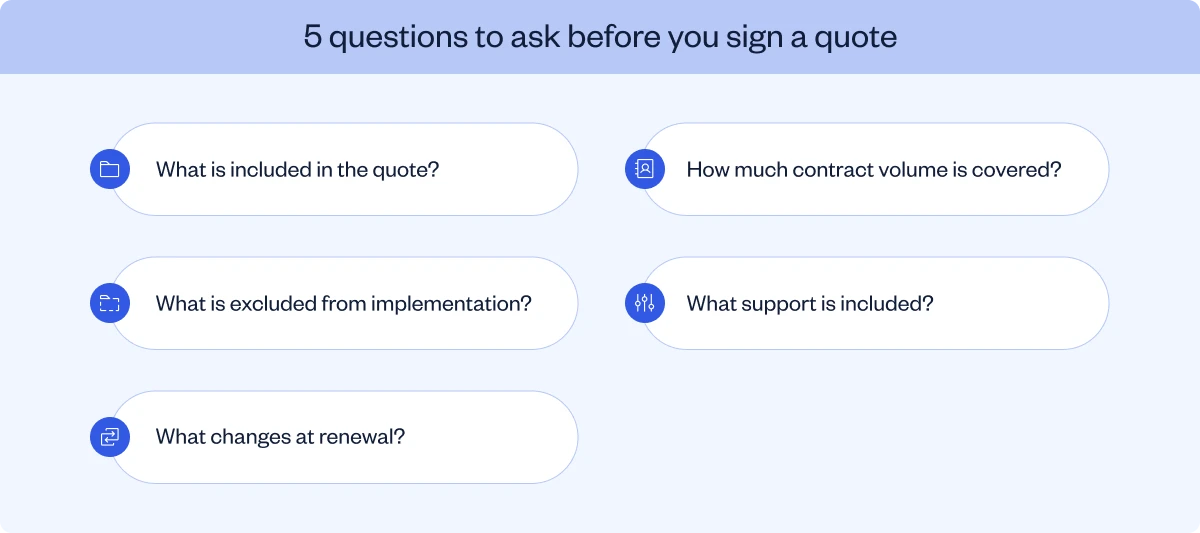
Once you understand these costs, the next step is to make sure they are reflected in the contract. Focus on the following areas during negotiation:
Start with year one, since that is when most implementation costs come in. Add the base subscription, user licences, included usage, and support, then include implementation, migration, integrations, and your team’s internal time.
Years two and three are more about recurring costs and annual pricing changes. These can include subscription and support fees, extra users or contract volume, automated usage, ongoing integration maintenance, and any increase at renewal.
Avoid using Vendr’s median purchase price alone to estimate the three-year total. That figure does not show which products, services, or setup work were included in each purchase, so it cannot tell you the three-year total cost of ownership.
The next question is whether Conga’s model fits the way your legal team works.
Conga is designed to support broader commercial workflows, including configure-price-quote processes. SpotDraft is built specifically for legal teams, with the contract lifecycle at the centre of the platform.
The workflow covers the entire contract lifecycle, from contract creation through review, approval, signing, and post-signature management:
For legal teams, this reduces the number of handoffs between separate tools across the contract lifecycle.

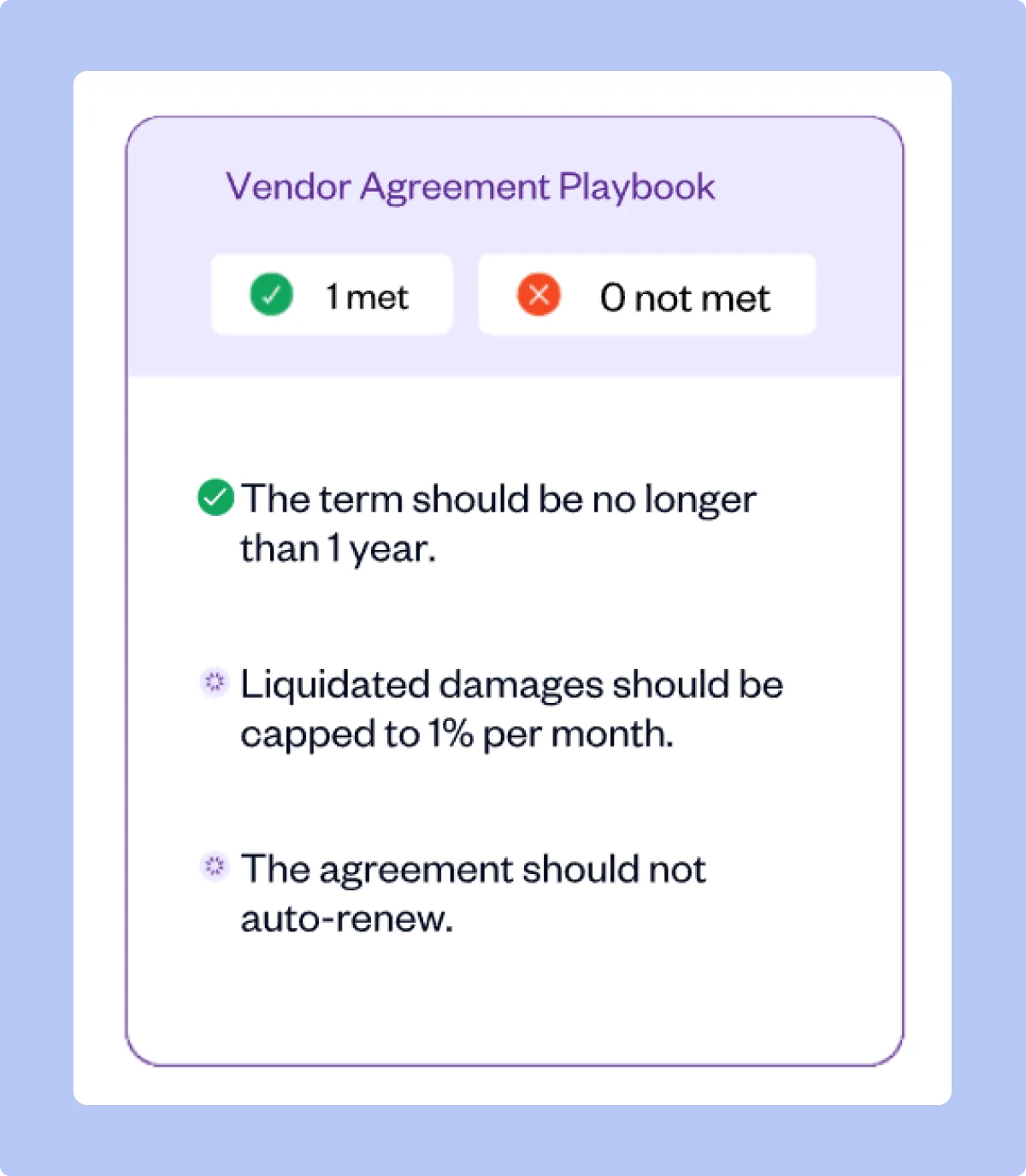
SpotDraft’s legal-team focus also extends to implementation. SpotDraft includes workflow setup, integration setup, and legacy-contract migration in the standard commercial agreement, so these do not become separate implementation projects after purchase. This also gives teams a clearer view of implementation costs from the start.
Book a demo to see how SpotDraft's pricing model would apply to your team.