If you’re evaluating SpotDraft vs. Lexion, you’re probably not looking for another vague feature checklist.
You’re trying to answer more practical questions:
- Which platform will work with your current contract volume?
- Which one helps legal move faster without losing control?
- Which one will your sales, finance, procurement, and HR teams actually adopt?
- And which one won’t surprise you with extra costs three months after signature?
That’s the real CLM buying decision.
For in-house legal teams, a contract lifecycle management platform isn’t a short-term software purchase. It becomes part of how your business requests, reviews, negotiates, signs, stores, and searches contracts every day. Choose well, and you'll reduce manual work, improve visibility, and help the business close deals faster. Choose poorly, and you’re still spinning your wheels—just in a more expensive system.
This comparison is written for in-house counsel, legal ops managers, GCs, and legal leaders at scaling and enterprise companies. Below, you’ll see the five biggest differences between SpotDraft and Lexion—and why many in-house teams choose SpotDraft when they need a CLM that can scale with them.
SpotDraft vs. Lexion: At a Glance
Here’s the snapshot for teams that need to make a decision without wading through pages of vendor language:
| Feature |
SpotDraft |
Lexion |
| AI Accuracy |
99% with multi-model AI |
Standard field extraction |
| Legacy Document Tagging |
✅Retroactive auto-tagging |
Limited |
| Search Capability |
Semantic, clause-level search |
Tag-based, basic search |
| Native Integrations |
30+ |
Select integrations |
| Salesforce Integration |
✅Strong support |
Limited functionality |
| E-Signature Included |
✅Included |
Often add-on |
| CSM Access |
✅Included |
May cost extra |
| Implementation Time |
6 – 8 weeks |
Longer, variable |
| Implementation Cost |
✅Included |
Setup fees common |
| Best For |
Scaling in-house legal teams |
Smaller, simpler repositories |
If you’re asking, “What is the difference between SpotDraft and Lexion?”, this table gets you most of the way there: SpotDraft is built for in-house teams that need to scale workflows, search deeply, integrate broadly, and budget predictably.
1. AI That Actually Understands Your Contracts — Not Just Standard Fields
The first real test of contract AI is simple: does it work on your actual repository, or only on clean, standardized documents?
For most in-house legal teams, that answer matters a lot. You’re not starting fresh. You’re inheriting years of contracts across shared drives, inboxes, business systems, and old folders no one wants to open.
#1 SpotDraft’s multi-model AI is built for real-world contract complexity
SpotDraft uses a multi-model AI approach, rather than relying on one extraction method for every contract type.
Why does that matter?
Because your contract stack isn’t uniform. You’re dealing with:
- NDAs
- MSAs
- SOWs
- Procurement agreements
- Employment agreements
- DPAs
- Partner agreements
- Amendments and side letters
And those documents don’t all look alike. Different structures, different clause placement, different wording.
SpotDraft’s approach reportedly delivers high accuracy in extracting and structuring contract data across varied agreement types. For legal ops, that means:
- less manual cleanup after upload
- more reliable metadata
- better reporting
- cleaner obligation tracking
- faster repository adoption
The good news is: better AI doesn’t just save time. It makes the rest of your CLM work better too.
#2 Lexion’s standard field extraction is more limited in mixed repositories
Lexion can work well in more standardized environments. If your team has a smaller repository and relatively consistent agreement types, basic extraction may be enough.
But many in-house teams don’t live in that world.
When extraction is built mainly around standard fields, it can struggle with:
- unusual clause placement
- negotiated fallback language
- amendments layered onto old forms
- non-standard indemnity or liability language
- inconsistent legacy documents
That creates extra exception handling. And that means your team is still doing manual review work you were hoping to automate.
#3 Legacy document tagging is where AI starts paying off fast
A CLM shouldn’t require your team to manually re-enter years of metadata just to make the repository usable.
SpotDraft can retroactively tag and categorize legacy contracts, helping turn historical agreements into structured, searchable records. That’s a big operational difference.
If you’re migrating 8,000 old contracts, manual tagging is not a side project. It’s a resource drain.
With strong auto-tagging, you can:
- accelerate migration
- reduce manual data entry
- make old contracts searchable faster
- create useful reporting sooner
- get value from the platform on day one, not month six
If you’re evaluating AI contract review tools, this is the question to ask: Can the platform handle the messy contracts you already have—not just the ones you create going forward?
2. From Filing Cabinet to Actionable Database: Contract Search That Scales
A lot of teams buy CLM software thinking mostly about intake and approvals.
Then reality hits.
Six months later, the biggest complaint isn’t workflow. It’s search. No one can find what they need quickly, and the repository starts feeling like a digital filing cabinet.
#1 SpotDraft lets you search contract meaning, not just tags
SpotDraft supports semantic, clause-level search.
That means your team can search not only metadata fields, but the actual content of contracts—down to specific clauses and concepts.
In practice, you can run searches like:
- “Find all contracts with auto-renewal clauses expiring in Q3”
- “Show agreements with change-of-control language”
- “Identify vendor contracts with uncapped indemnity”
- “Find customer contracts referencing data localization obligations”
That’s a very different experience from relying on tags alone.
It turns your repository into something more useful than storage. It becomes a decision-making tool.
#2 Tag-based search starts breaking as your repository grows
Tag-based search works fine in a narrow set of conditions:
- low contract volume
- limited contract types
- very consistent data entry
- basic reporting needs
But as your repository expands, the cracks show.
If someone forgot to apply a tag—or a legacy contract came in without complete metadata—you may not find what you need when it matters most.
That’s a problem during:
- audits
- diligence
- financing events
- regulatory reviews
- internal business requests
- clause remediation exercises
And no one has time to manually review hundreds of PDFs because the search layer can’t do the heavy lifting.
#3 Deep search is what makes repository management actually operational
The strongest contract repository management platforms don’t just store documents. They help you answer business questions quickly.
With SpotDraft, legal teams can more easily:
- identify renewal and termination windows
- surface buried obligations
- find clause deviations at scale
- review fallback language patterns
- respond faster to finance and sales requests
- support compliance and audit readiness
Mini example: Your CFO asks for every contract with a change-of-control clause before the board meeting tomorrow.
With clause-level search, that’s a query.
With a tag-dependent system, that can become an all-hands manual review.
That’s the difference between a repository that helps legal lead—and one that still creates fire drills.
Q: Can SpotDraft search inside contract text, not just metadata?
A: Yes. SpotDraft supports semantic, clause-level search across contract content, which is especially valuable as repositories grow in size and complexity.
3. Meeting Your Teams Where They Work: Integrations That Remove Friction
Legal doesn’t work in a vacuum. Your contracts touch sales, finance, procurement, HR, security, and operations.
So if your CLM doesn’t fit into the tools those teams already use, friction shows up fast.
#1 SpotDraft’s 30+ native integrations support real cross-functional work
SpotDraft offers 30+ native integrations, including tools like:
That breadth matters because every integration removes a different kind of operational drag.
For example:
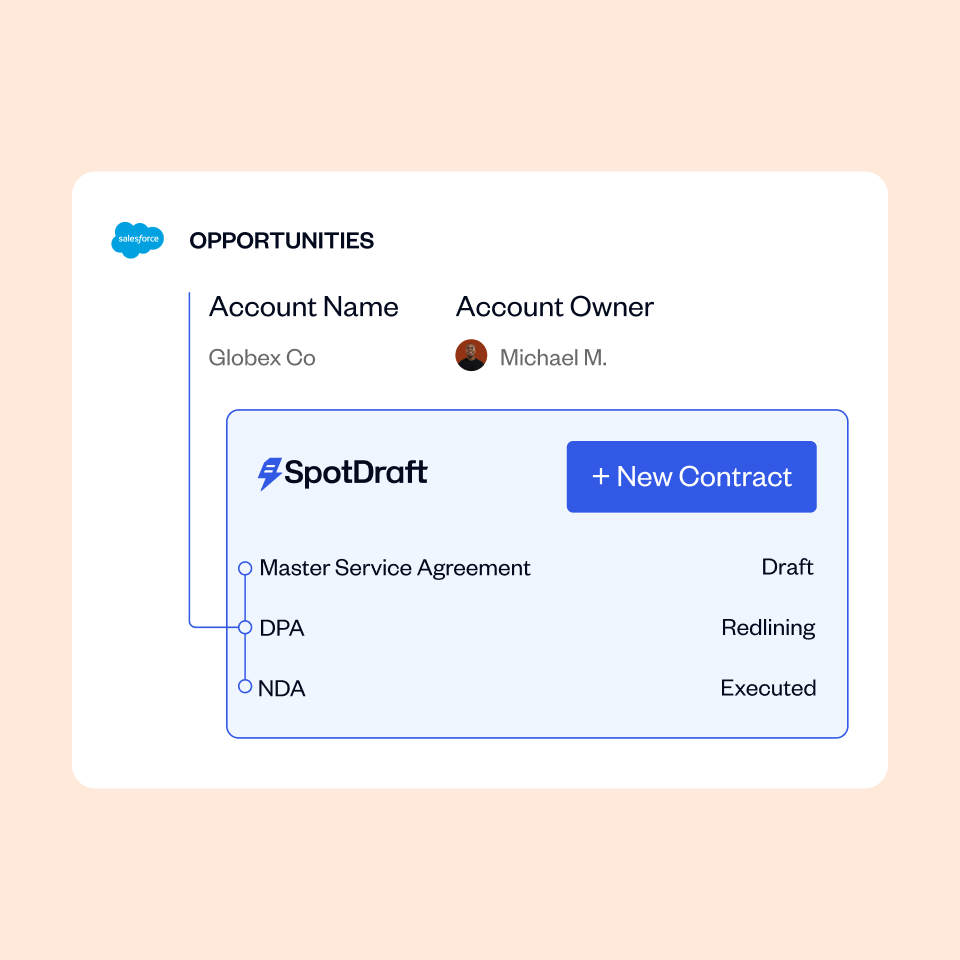
- Salesforce: lets sales teams trigger legal requests and track status inside the CRM
- Slack: helps legal stay on top of approvals, escalations, and notifications
- JIRA: supports coordination with engineering or product review workflows
- NetSuite: connects legal to billing, procurement, and finance processes
- Google Drive: improves document access in familiar environments
- HubSpot: keeps GTM workflows moving from quote to contract
This is what legal workflow automation should look like: legal working with the business, not beside it.
#2 Limited Salesforce functionality creates revenue friction quickly
If your company runs on Salesforce, this point matters more than almost anything else in the comparison.
Weak CRM integrations usually leads to the same problems:
- requests happen outside the sales process
- reps lose visibility into contract status
- legal gets peppered with update requests
- deal cycles slow down
- handoffs become manual again
That’s not just inconvenient. It affects revenue operations.
Lexion’s integration set may be enough for smaller teams with simpler workflows. But for high-volume commercial teams, limited Salesforce support can become a serious bottleneck.
#3 Better integrations help legal lose the “bottleneck” label
A CLM should reduce follow-up, duplicate entry, and tool switching.
With strong integrations, SpotDraft helps you:
- give sales more visibility
- give finance better renewal and obligation data
- support procurement without email sprawl
- improve reporting for leadership
- reduce repetitive legal status updates
That’s why many legal leaders evaluate 30+ native integrations as more than a feature count. They see them as adoption infrastructure.
If the CLM only works well inside legal, business teams won’t use it consistently. And if business teams don’t use it consistently, legal won’t get the efficiency gains it was promised.
4. The Real Price of “Affordable”: Understanding Total Cost of Ownership
This is where a lot of CLM evaluations go sideways.
A lower headline price can look attractive—right up until you add the services and features you actually need.
#1 SpotDraft’s all-inclusive pricing makes budgeting easier
SpotDraft’s all-inclusive pricing is designed to be straightforward. Core capabilities are bundled instead of carved up into surprise add-ons.
That includes:
- e-signatures
- implementation support
- customer success support
- the core functionality needed to get value from the platform
If you’re building a business case for finance, that matters.
Predictable pricing helps you:
- forecast more accurately
- avoid procurement friction
- tie spend to ROI more clearly
- reduce post-purchase surprises
And yes, that makes the CFO conversation easier.
#2 Add-ons can materially change the Lexion comparison
This is the part buyers need to inspect carefully.
Lexion may appear less expensive at first glance, but total cost can increase if essential functionality is priced separately. Buyers should verify whether quoted pricing includes:
- e-signature functionality
- dedicated customer success access
- implementation or setup fees
- support for onboarding or integrations
Does Lexion charge for e-signatures?
Often, yes. Lexion frequently treats e-signatures as an add-on, while SpotDraft includes e-signatures in its standard pricing structure.
#3 Use this 6-point checklist before you sign any CLM
If you want the real first-year cost, ask these six questions:
- What is the annual subscription fee?
- Are e-signatures included?
- Is implementation included?
- Is a dedicated CSM included?
- Are core integrations included or separately priced?
- How much internal team time will onboarding consume?
That last point gets overlooked really, really often.
Because even if the software quote looks low, your internal cost goes up if your legal team spends months supporting onboarding, cleanup, training, and manual workarounds.
Bottom line: A CLM with a lower sticker price can still cost more if you’re paying extra for signatures, support, setup, and slower adoption.
5. Go-Live in Weeks, Not Quarters: Implementation That Respects Your Time
Implementation is where a lot of CLM projects lose momentum.
You buy software to reduce manual work. But if onboarding drags on for months, your team is stuck running the old process and the new system in parallel.
That’s expensive. And exhausting.
#1 SpotDraft is designed for 6–8 week implementation
SpotDraft typically goes live in 6–8 weeks, with implementation included.
That gives you two immediate advantages:
- faster time-to-value
- lower risk of extra onboarding spend
SpotDraft onboarding is also led by legal-trained implementation specialists, which matters more than it may seem at first.
Legal workflows aren’t generic SaaS workflows. They involve:
- clause libraries
- fallback positions
- approval matrices
- risk scoring logic
- negotiation playbooks
- exception handling
A team that understands how legal actually works can configure those pieces faster and with fewer false starts.
#2 Slow implementation carries a real productivity cost
Let’s make this practical.
If a five-person legal team spends around 15 hours per week on manual contract tasks, each month of implementation delay can mean roughly 300 hours of lost productivity.
That’s time still spent on:
- chasing signatures
- searching for terms
- managing version confusion
- answering status emails
- manually tracking renewals
- reconstructing clause history
And while that’s happening, leadership is still waiting for the CLM to deliver results.
#3 Legal-trained onboarding improves adoption after go-live
Fast implementation is good. Correct implementation is better.
Legal-trained onboarding specialists understand:
- why fallback language matters
- how legal approval hierarchies actually operate
- why workflows differ by contract type
- what business teams need to adopt the system successfully
That usually leads to:
- cleaner configuration
- fewer revisions during rollout
- stronger user adoption
- faster ROI
If you’re exploring whether to book a personalized demo, make implementation a front-and-center discussion. Don’t leave it for procurement or post-signature.
Because a CLM that takes too long to launch can lose stakeholder trust before it even gets a fair shot.
Is SpotDraft the Right CLM for Your In-House Legal Team?
SpotDraft is likely the better fit if your team:
- manages a high volume of diverse contract types
- has a growing legacy contract repository that needs structure
- needs semantic search across contract text
- supports sales, finance, procurement, or HR in multiple systems
- relies heavily on Salesforce or other business-critical tools
- wants predictable pricing without hidden add-ons
- needs to go live in under six weeks
- values onboarding led by legal-trained specialists
- wants stronger AI-powered metadata extraction and review
Lexion may still be a reasonable option if you’re a smaller team with:
- a limited contract repository
- more standardized agreements
- lighter integration needs
- simpler search requirements
But if your legal function is scaling—and the business expects legal to move faster without losing visibility—SpotDraft is the stronger long-term choice.
The Bottom Line: SpotDraft vs. Lexion for In-House Legal Teams
When you compare SpotDraft and Lexion on the factors that actually affect day-to-day legal operations—AI accuracy, clause-level search, integrations, pricing transparency, and implementation speed—the gap becomes pretty clear.
SpotDraft is built for in-house legal teams that need more than basic repository management. It’s designed to help you:
- reduce manual work
- support revenue and procurement more effectively
- improve visibility into obligations and risk
- adopt faster across the business
- get ROI without hidden operational drag
If your team needs a CLM that scales with contract complexity—not just contract volume—SpotDraft is the more complete option.
Ready to see how SpotDraft fits your workflows?
Request a demo
If you’re still evaluating options, your next best move is simple:
That gives you a clearer view of fit before you get deep into procurement.
Related Content
You may also want to explore: