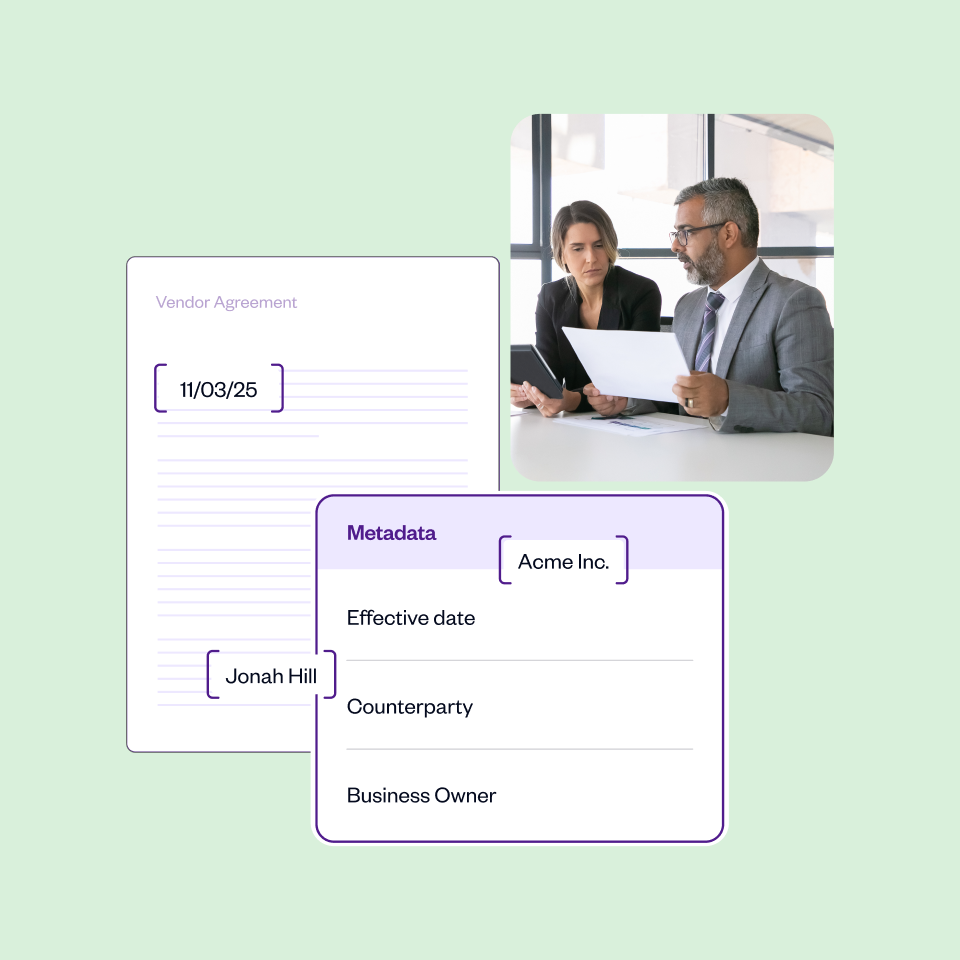
Contract Authoring: What It Is and How It Works

Huzaifa Sultana is a Marketing Associate at SpotDraft focusing on Organic Growth through SEO and AEO.


.avif)
Contract authoring is the stage where a contract actually gets written. Without it, there's nothing to approve, redline or sign.
It's more than drafting a quick agreement, though. A strong authoring process uses templates, clause libraries, approval workflows and increasingly AI to turn a blank document into a finished, legally binding contract without reinventing the wheel every time.
Poor authoring shows up downstream fast. According to a 2025 World Commerce & Contracting whitepaper, poor contracting practices erode value equivalent to almost 9% of annual revenue, and inconsistent drafting is one of the most common places that leakage starts.
.webp)
Contract authoring is the stage of contract lifecycle management where an agreement is drafted, using templates, clause libraries and approval workflows to turn a blank document into a finished, legally binding contract. You'll sometimes hear it called contract drafting. The two terms mean the same thing.
In modern CLM processes, authoring rarely starts from scratch. Legal and sometimes sales or business owners pull from templates and pre-approved language instead of staring at a blank screen.
This is also where the real terms get locked in: delivery dates, who's responsible for what and payment terms. All the stuff that actually matters once the contract is signed.
A weak authoring process results in poorly drafted agreements that slow approvals at best and expose the business to dispute risk at worst. A good process fixes this at the source.
A clause library full of standardized, legal-approved language is the starting point. Pair that with integrations to tools teams already use, like a sales CRM, and manual data entry, one of the biggest causes of contract errors, mostly disappears.
Centralizing authoring also solves a quieter problem. Key clauses scattered across a dozen documents leave no single source of truth. When drafting happens in one place, addendums stay attached and referenced instead of floating in someone's inbox.
Most teams hit the same handful of problems once contract volume picks up, usually in this order.
Slow, repetitive admin. Someone searches old emails and shared drives for a past version, copies from it, then routes the draft for review. Every round trip adds days, which adds up fast for a small legal team.
Inconsistent language across the business. Without standardized templates, contracts drafted by different people or departments end up looking nothing alike. Rogue clauses and outdated terms confuse counterparties and usually stretch negotiations rather than shorten them.
Higher risk exposure. Inconsistent language isn't just messy, it's risky. Non-standard terms can quietly create compliance gaps that nobody notices until a dispute surfaces.
No visibility into what's actually been agreed to. When contracts get created ad hoc across different tools, it's nearly impossible to track what's been negotiated, what deviates from standard terms or what obligations are actually live.
A real authoring process usually moves through six stages.
"Time kills all deals. You gotta close deals fast."
— Sue So, Head of Legal, Hopin
That's the pressure most authoring processes are actually built around. Every step above exists to remove friction without removing the checks that keep a contract safe.
A good CLM platform doesn't just digitize the steps above. It changes what's possible at each one.
Contract templates are pre-built, standardized structures for agreements you create often: NDAs, MSAs and SOWs. A good CLM tool lets you build these with pre-approved language baked in, so whoever's drafting isn't starting from zero or pinging legal for every small agreement.
A clause library takes this further. It's a centralized set of individual, legally vetted clauses—limitation of liability, confidentiality and governing law—that anyone can pull from with confidence. Together, a procurement team member can grab a supplier agreement template, swap in the right clauses and send it for approval without writing a single clause from scratch.
Once a draft is done, it routes automatically to the right manager or legal reviewer before it ever reaches the customer or new hire. Conditional logic handles the more complicated cases, like requiring only procurement sign-off for pre-vetted suppliers while new suppliers get a full legal risk review.
Authoring gets faster and more accurate the moment data flows in from tools teams already use. Connect a CLM to a CRM and sales teams can pull client names, addresses and deal data automatically, cutting out a major source of manual error.
AI is where contract authoring stops being just organized and starts being genuinely faster.
It depends on how much risk and scale you're dealing with.
Free tools like Google Docs can draft a contract, which then gets exported as a PDF and signed separately. It works for a one-off agreement, but it's not built for a real process.
A step up, standalone drafting tools combine templates with AI-powered drafting but tend to ignore the rest of the contract lifecycle, like redlining and renewal management.
"It's good for a SaaS lawyer to be tech-savvy because it helps to know what tools are at your disposal and how to use them best."
— Sue So, Head of Legal, Hopin
That's really the case for full-scale CLM software. These platforms cover authoring and everything around it: signing via e-signature, in-platform redlining, renewal reminders and in-depth reporting.
Fortune 1000 companies reportedly manage between 20,000 and 40,000 active contracts at any given time. At that volume, authoring in disconnected free tools isn't really an option.
Switching to a better authoring process is a change management decision as much as a software one.
None of this needs to happen overnight. Most teams start with their highest-volume contract type, often NDAs or standard vendor agreements, get that working well, and expand from there.
.webp)
SpotDraft's contract management platform lets teams collaborate on contracts at every stage of the lifecycle, with documented version control and easy accessibility.
Teams get off the ground with:
Book a demo to see how SpotDraft handles contract authoring end to end.