The best DocuSign alternative depends on your specific needs and how much of DocuSign you want to replace. SpotDraft fits teams looking for contract review, approvals, eSignature, repository management, and reporting in one CLM. Dropbox Sign, Adobe Acrobat Sign, SignNow, OneSpan Sign, and Zoho Sign are eSignature solutions focused more directly on electronic-signature workflows.
Is there a free alternative to DocuSign?
Yes. Zoho Sign offers a free plan for one user with five envelopes per month. Teams that need more sends, additional users, integrations, authentication, or automation should compare the paid plan that covers those requirements.
Does Microsoft have a DocuSign alternative?
Yes. Microsoft offers an eSignature service through SharePoint in Microsoft 365. It uses pay-as-you-go billing, and Microsoft currently charges $2 per eSignature request with up to 10 recipients in each request. It covers electronic-signature workflows, while teams replacing contract review, playbooks, approval workflows, or broader CLM processes should compare those requirements separately.
Are DocuSign alternatives legally binding?
Yes, electronic signatures created using these platforms can be legally binding when the signing process satisfies the laws and signature requirements applicable to the agreement and jurisdiction. Authentication, audit-trail, consent, and signature-standard requirements can vary, particularly for regulated or high-risk documents.
Huzaifa Sultana is a Marketing Associate at SpotDraft, specializing in organic growth, SEO, and AEO. Her work focuses on content optimization, keyword research, and developing strategies to improve search rankings and organic visibility.
TL;DR
DocuSign Standard and Business Pro annual plans include up to 100 envelopes per user each year. Additional envelopes are billed separately after the allowance is exhausted.
DocuSign alternatives cover three broad use cases. Dropbox Sign, SignNow, Adobe Acrobat Sign, OneSpan Sign, and Zoho Sign focus mainly on eSignature. PandaDoc combines sales documents with eSignature, while SpotDraft, Ironclad, Juro, LinkSquares, Luminance, Sirion, and Conga cover broader contract-management workflows.
Replacing eSignature requires a different migration from replacing DocuSign IAM or CLM. Templates, workflows, metadata, integrations, approval logic, and repository data can all change the scope.
SpotDraft brings contract creation, playbook-based review, approvals, native eSignature, repository management, and reporting into one workflow for in-house Legal teams.
DocuSign’s Standard plan starts at $30 per user per month on an annual commitment, billed monthly, and includes 100 envelopes per user each year. As more people send contracts or the team uses more envelopes, the cost can rise beyond the subscription price.
That is when teams start comparing DocuSign alternatives. The choice depends on what needs to move with the signing process, from templates and approvals to contract review, CRM workflows, and post-signature management.
This guide compares 13 of the best DocuSign alternatives and competitors across pricing, eSignature, contract review, approvals, integrations, and CLM capabilities.
Why Look for a DocuSign Alternative?
Teams often look for a DocuSign alternative when sending limits, pricing, or the wider contract workflow no longer match how they work. In DocuSign, each set of documents sent for signature counts as an envelope, and it counts against the plan allowance even if the recipient never completes it. Once the allowance is used, additional sends are billed separately. Comparing annual spend with actual send volume can therefore reveal whether the plan still suits the workflow.
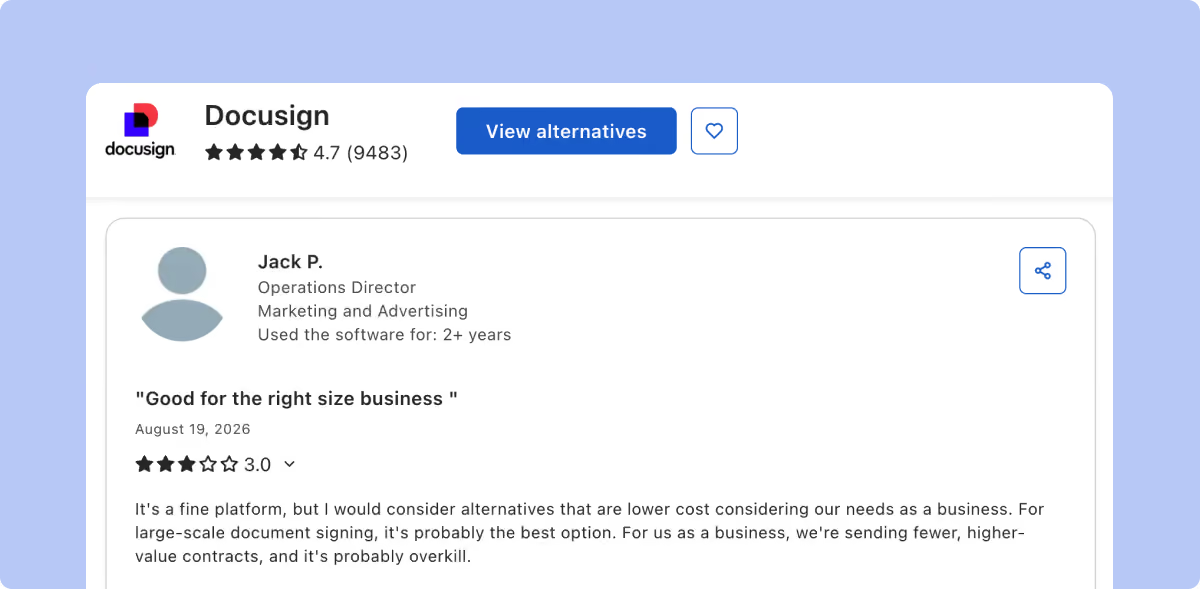
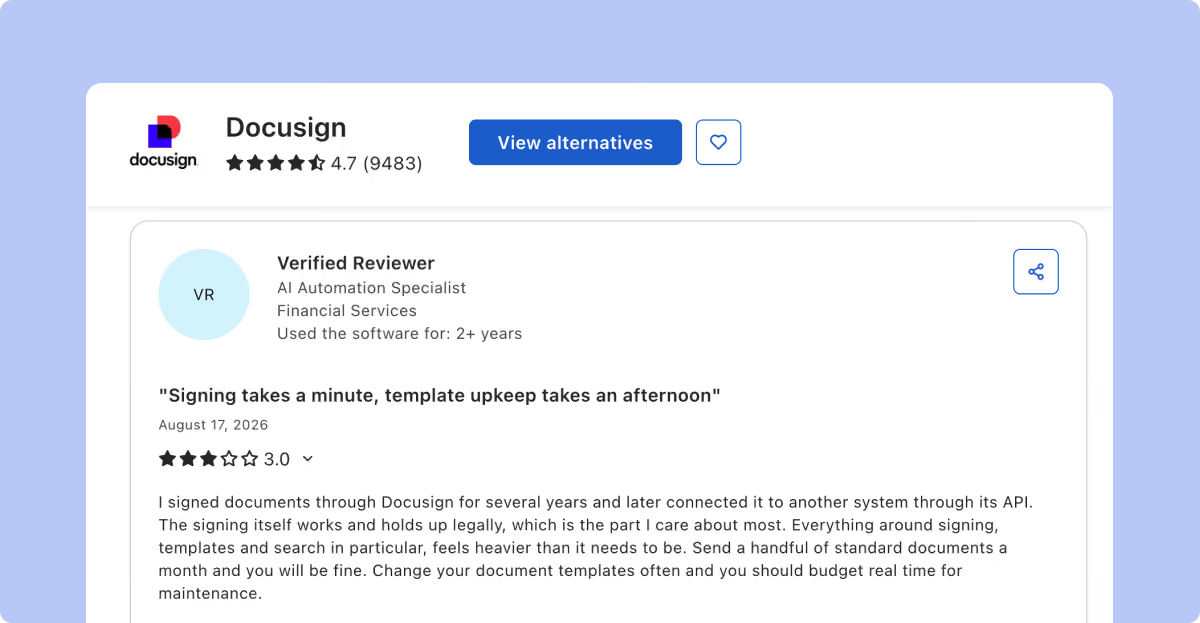
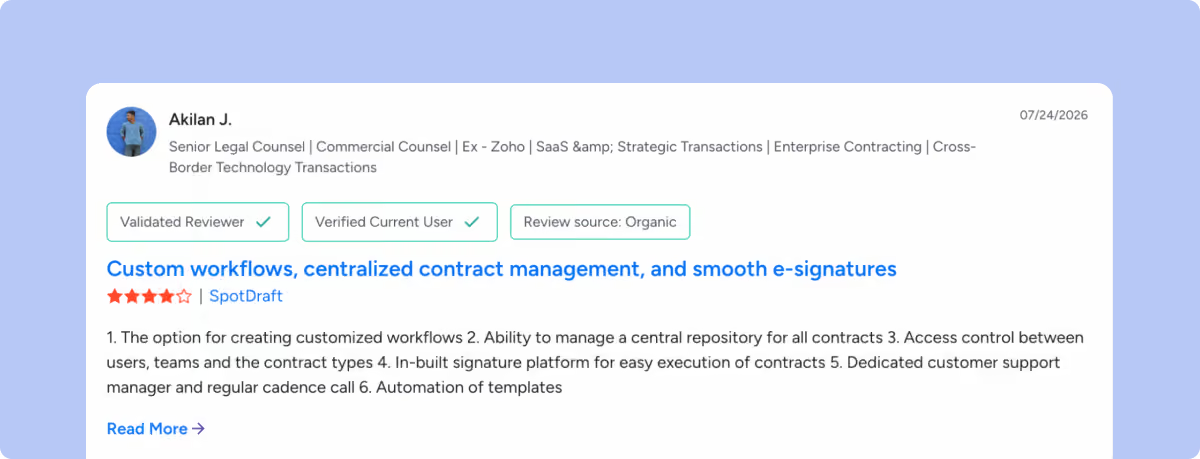
Individual Capterra reviews also point to workflow details buyers may want to test. In the examples below, reviewers describe time spent maintaining templates and difficulty finding or managing older documents. These are individual experiences, not general findings about DocuSign.
Those details become more important during migration. A team using DocuSign only for eSignature may need to move templates, authentication settings, completed agreements, and integrations. A DocuSign CLM setup can bring more with it, including clause libraries, approval workflows, contract data, obligations, and renewals.
Before comparing vendors, map what needs to move: templates, authentication settings, completed agreements, integrations, approval rules, contract data, and any post-signature workflows. Those requirements should drive the shortlist.
Criteria to Consider When Choosing a DocuSign Alternative
We used six criteria to assess every DocuSign competitor across common Legal and business use cases:
Scope: We checked whether the product covers eSignature alone or extends into intake, review, approvals, document management, and post-signature tracking.
Contract review: We looked at third-party paper, Microsoft Word support, playbooks, redlining, comments, and version control.
Workflow controls: We checked workflow automation, including conditional routing, approval rules, approval resets, signing order, and exception handling.
Integrations: We reviewed CRM integrations, Microsoft Word connections, and other business systems to see what users can actually do without leaving them. We also checked whether a native integration supports contract actions beyond basic data sync.
Migration and administration: We checked vendor-documented implementation, template migration, permissions, workflow setup, and administrator responsibilities.
Commercial model: We checked user pricing, contract or envelope limits, API access, AI usage, implementation costs, paid add-ons, and whether a free trial is available.
Top 13 DocuSign Alternatives in 2026
DocuSign alternatives span dedicated eSignature tools, document and proposal workflows with eSignature, and broader contract lifecycle management platforms. Use the table below to narrow the list before comparing each platform in detail.
DocuSign alternatives at a glance
Tool
Best for
Key features
SpotDraft
In-house Legal teams managing contracts end to end
Workflow Designer, AI review, repository, eSignature
Juro
Legal teams working across browser workflows and Microsoft Word
AI Review, Word sync, native eSignature, repository
LinkSquares
Contract intelligence and executed-agreement analysis
Finalize, Analyze, AI Legal Assistant, eSignature
Luminance
Contract negotiation and portfolio intelligence
Negotiate, Discover, Automate, Word review
Sirion
Enterprise obligation and contract-performance management
AI drafting, redlining, obligations, SLA tracking
Conga
Salesforce-centric commercial processes
CLM, Word workflows, approvals, Sign, Salesforce
PandaDoc
Sales proposals, quotes, agreements and signatures
Document editor, approvals, CRM, payments
Dropbox Sign
Direct and embedded electronic signatures
Templates, audit trails, embedded signing, API
Adobe Acrobat Sign
Adobe-led document and enterprise signing environments
Authentication, workflows, API, integrations
SignNow
Structured eSignature workflows with published self-service pricing
Templates, signing order, bulk send, API
OneSpan Sign
Identity verification and embedded eSignature workflows
Authentication, tamper seals, audit evidence, API
Zoho Sign
Zoho users and teams wanting published eSignature plans
Approvals, templates, authentication, API
1. SpotDraft
SpotDraft supports agreements created from Legal-approved templates and contracts received from counterparties. Both can move through review, approval, signature, repository, and reporting workflows configured by Legal.
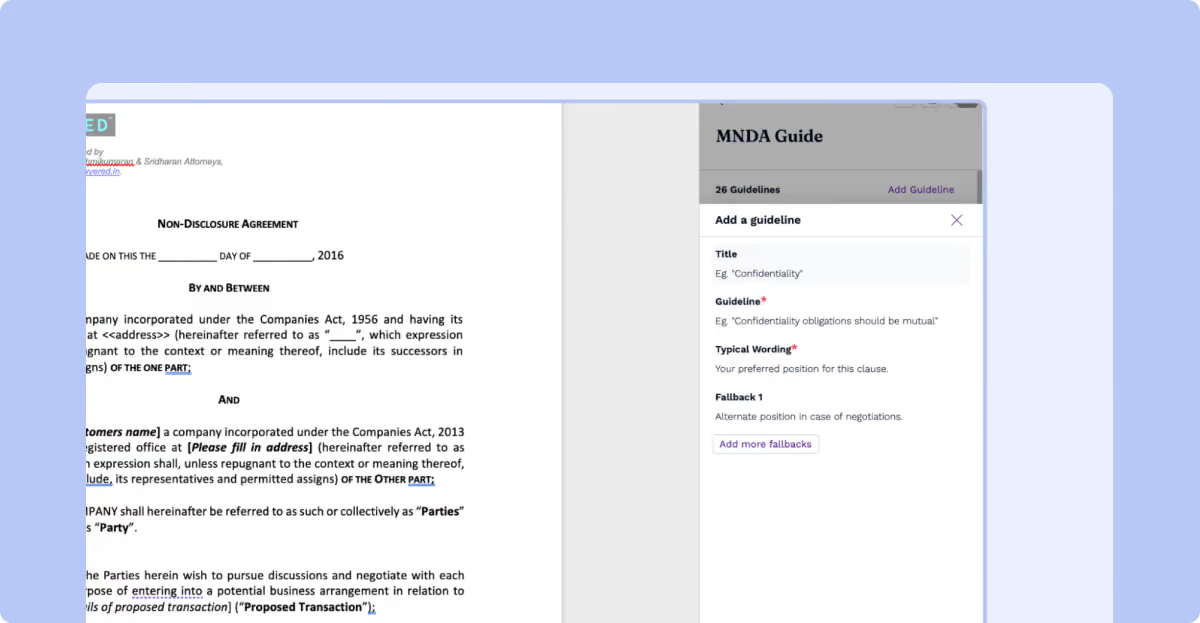
VerifAI handles playbook-based review inside Microsoft Word. Detailed Guides can store Legal’s preferred position, typical wording, and fallbacks. When contract language deviates, VerifAI explains why and can apply suggested tracked changes in Word.
Key Features
Reviews third-party contracts against VerifAI Guides and suggests language, comments, or tracked redlines inside Microsoft Word.
Routes agreements through conditional workflows based on contract information and configured approval rules.
Supports document automation through Legal-controlled templates, so repeat agreements do not need to be rebuilt for every request.
Stores agreements in a contract repository where contract data can be searched, filtered, related, and used in reporting.
Connects Salesforce users with contract creation, contract details, statuses, approvals, metadata, and Legal collaboration without leaving Salesforce.
Pros
Includes in-house implementation, workflow setup, integrations, legacy-contract migration, dedicated customer success, and 24/7 support.
Keeps playbook-based review inside Microsoft Word while maintaining Legal’s own negotiation positions through VerifAI Guides.
Lets business users carry out contract work from connected systems while Legal controls the underlying workflow and permissions.
Cons
Uses quote-based pricing based on users or contract volume rather than fixed self-serve subscription rates.
Provides wider contract-lifecycle functionality than a team may need when its requirement is limited to occasional electronic signatures.
2. Ironclad
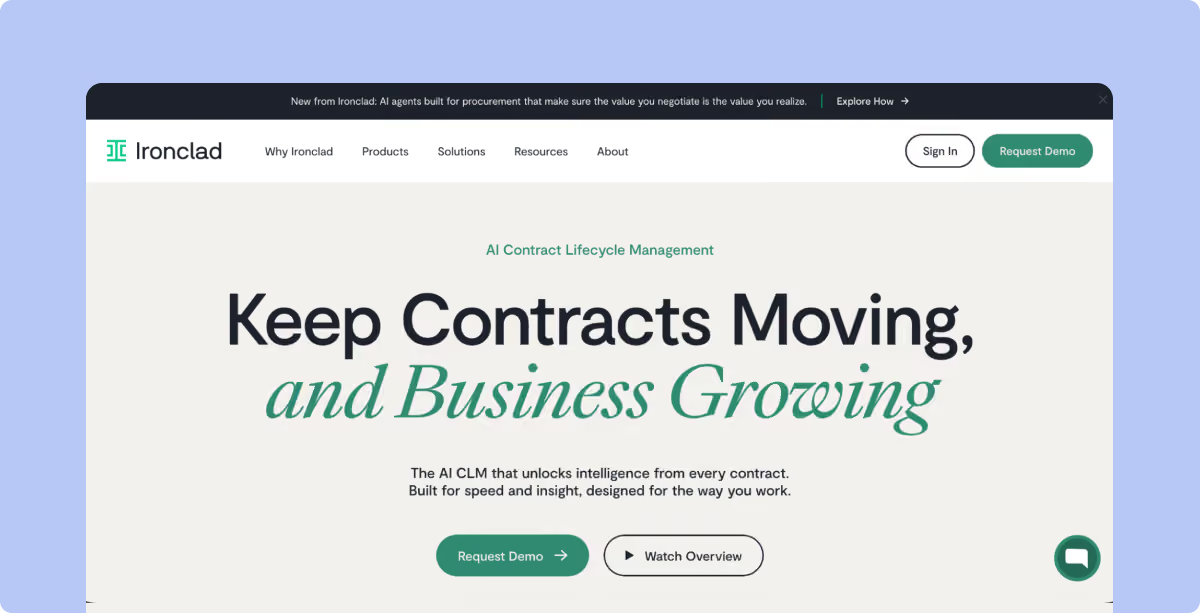
Ironclad is built around configurable enterprise contract workflows. Its Workflow Designer governs how different agreement types move through request, drafting, review, approval, signature, and storage.
Key Features
Configures contract intake, templates, conditions, approvals, and signature rules through Workflow Designer.
Applies AI-assisted review against Legal-defined positions for supported contract workflows.
Keeps contract activity, structured information, approvals, and completed agreements connected inside its CLM.
Supports native signature alongside external signature providers where the customer keeps an existing signing system.
Connects enterprise systems and contract workflows through integrations and APIs, depending on the purchased package.
Pros
Allows Legal Operations teams to configure agreement-specific workflows without writing application code.
Supports detailed routing for contracts involving several reviewers, approvers, and business stakeholders.
Supports granular permissions for administrators, standard users, and workflow participants.
Cons
Uses custom pricing, so the total commercial scope requires a vendor quote.
Lists API Access and a Non-Production Separate Instance as CLM add-ons.
Places workflow configuration, integrations, user management, and system settings under administrator permissions.
3. Juro
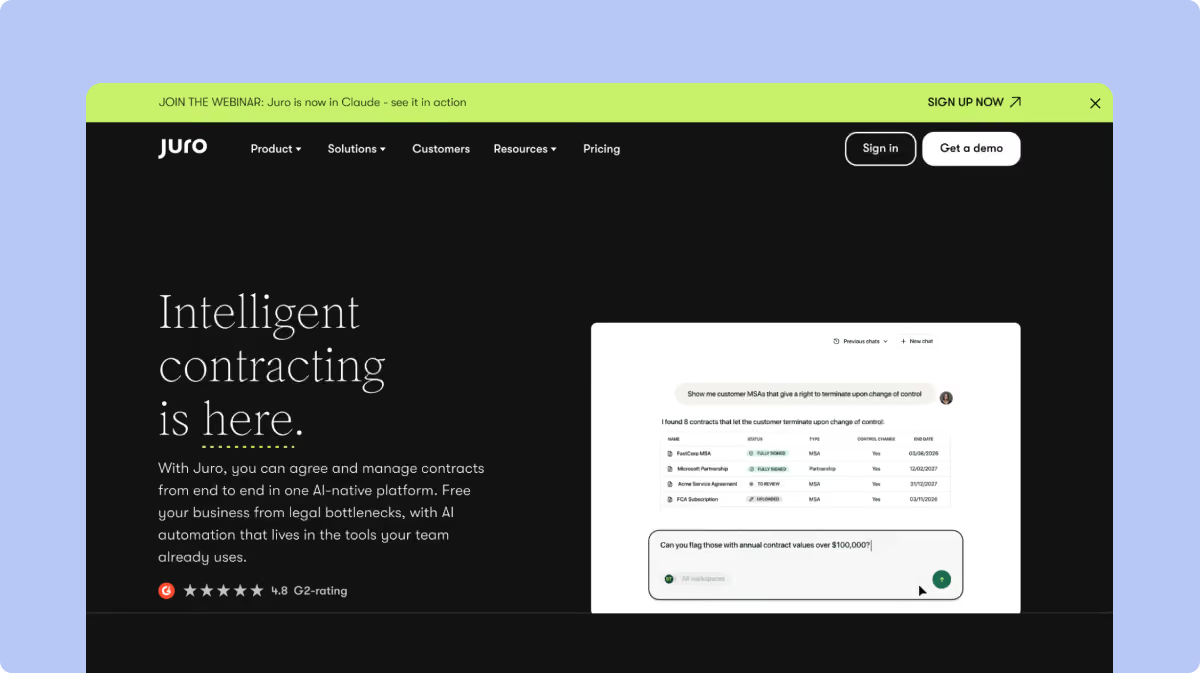
Juro is a browser-based contract automation platform designed for fast-moving legal and business teams. It combines contract creation, collaboration, approvals, eSignatures, and tracking in one workspace.
Key Features
Creates agreements from Legal-controlled templates and data pulled from connected business systems.
Reviews contracts against user-defined playbooks and proposes redlines through AI Review.
Synchronizes Word edits, comments, redlines, and contract versions with Juro.
Routes agreements through approvals, conditional logic, reminders, and native eSignature.
Extracts contract information into structured fields and makes repository data available to its AI Operator.
Pros
Includes unlimited users, workflows, and templates within its current commercial model.
Keeps Word negotiation connected with the contract workflow instead of treating downloaded drafts as a separate process.
Provides AI-assisted review and repository querying within the same broader contract environment.
Cons
Uses quote-based pricing based on contract volume and integration complexity; its quote builder also asks which AI features the team needs.
Applies a limit of 500 completed Operator tasks per customer each month.
Limits AI Review to 10 reviews per user every two hours and bulk AI Extract to 200 documents per extraction.
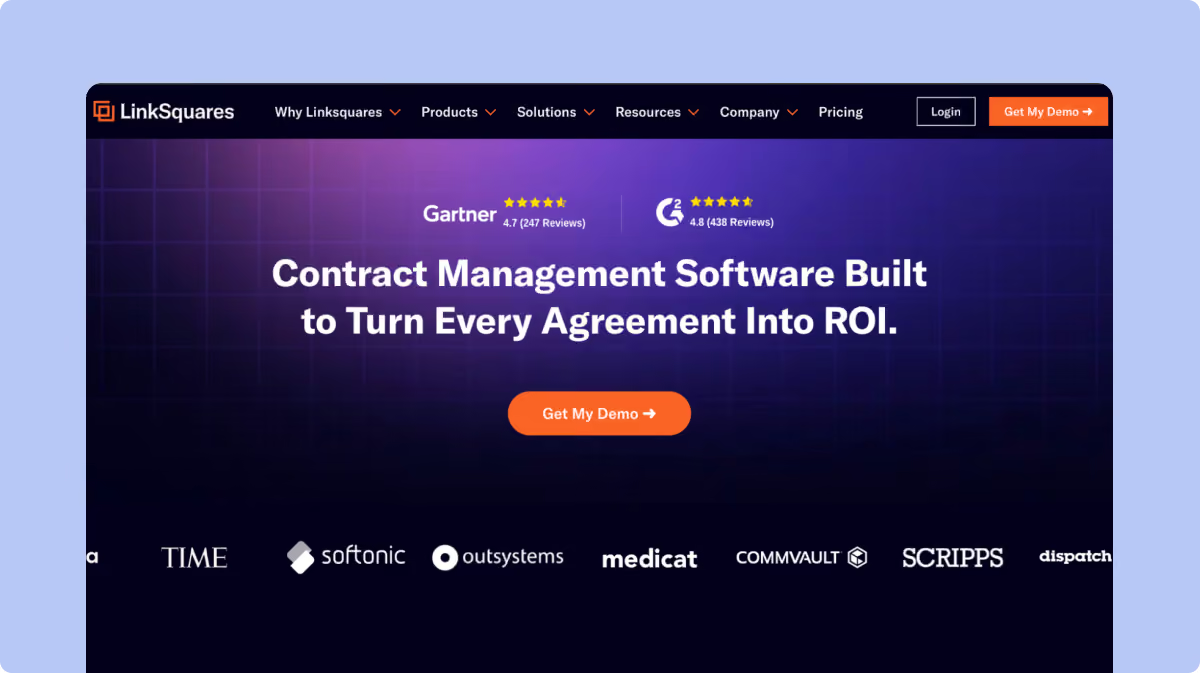
4. LinkSquares
LinkSquares separates much of its pre-signature and post-signature work between Finalize, which handles pre-signature work such as drafting, review, approvals, and signing, and Analyze, which manages executed agreements, repository search, and contract intelligence.
Key Features
Manages active agreement drafting, review, approvals, and versions through Finalize.
Ingests eligible fully signed Finalize agreements into Analyze automatically when both products are configured for the workflow.
Redlines agreements against playbooks through AI Legal Assistant and records reasoning alongside suggested changes.
Drafts agreements and amendments from natural-language instructions using the AI Legal Assistant.
Answers legal-research questions using citation-backed public and government sources within the AI Legal Assistant.
Pros
Connects active contracting with post-signature analysis when Finalize and Analyze are deployed together.
Documents the reasoning behind AI-suggested redlines in comments before users accept or reject them.
Makes Finalize agreement IDs searchable and reportable after eligible agreements move into Analyze.
Cons
Excludes XLSX agreements from Finalize-to-Analyze ingestion.
Excludes unsigned attachments and Adobe Acrobat Sign attachments from the same ingestion workflow.
Does not carry later Finalize Info changes or Related Agreement links into Analyze after the agreement has synced.
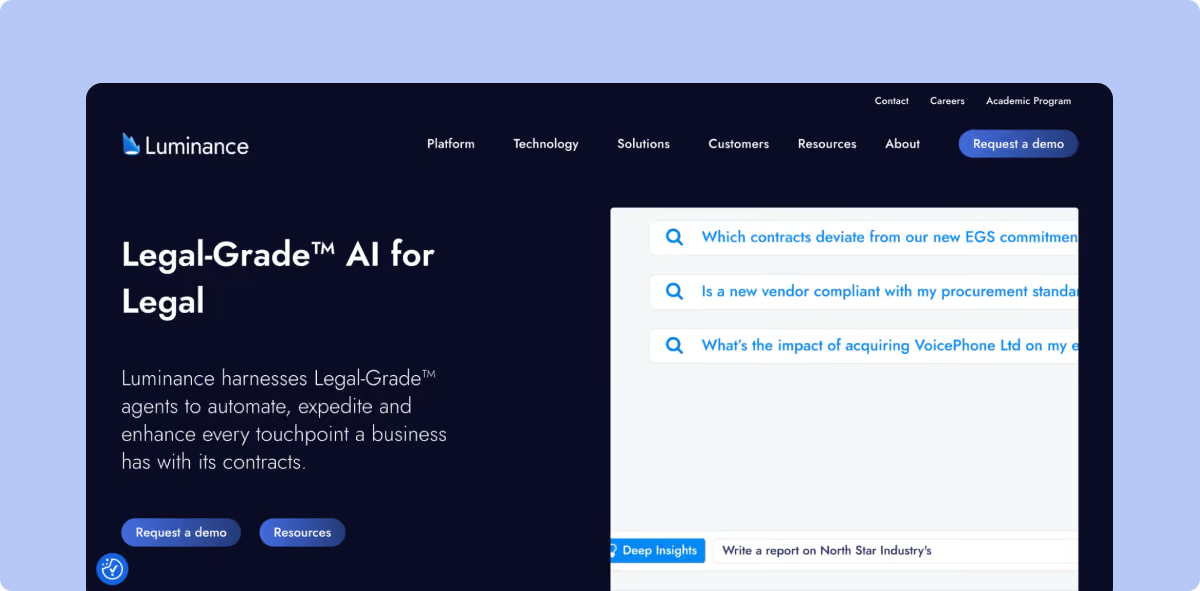
5. Luminance
Luminance currently presents its contract platform across Negotiate, Discover, and Automate. Negotiate applies playbooks, precedent, and preferred positions during contract review. Discover surfaces information across the contract portfolio, including obligations and renewals, while Automate connects intake, stakeholders, and contract workflows through execution.
Key Features
Reviews incoming agreements against an organization’s existing negotiation positions inside Microsoft Word.
Redlines language that differs from established standards and proposes alternative wording.
Surfaces risks, obligations, renewals, and commercial opportunities across the contract portfolio.
Tracks key dates and contractual obligations across stored agreements.
Connects contract intelligence with workflow automation through Automate.
Pros
Keeps negotiation inside Microsoft Word for lawyers who prefer to review third-party drafts there.
Uses the organization’s existing contract standards and negotiation history when reviewing language.
Applies AI across both individual negotiations and wider contract analysis.
Cons
Requires a sales conversation because Luminance does not publish a self-serve subscription rate on its current site.
Spans negotiation, portfolio intelligence, and workflow automation across Negotiate, Discover, and Automate, giving signing-only buyers a broader scope to evaluate.
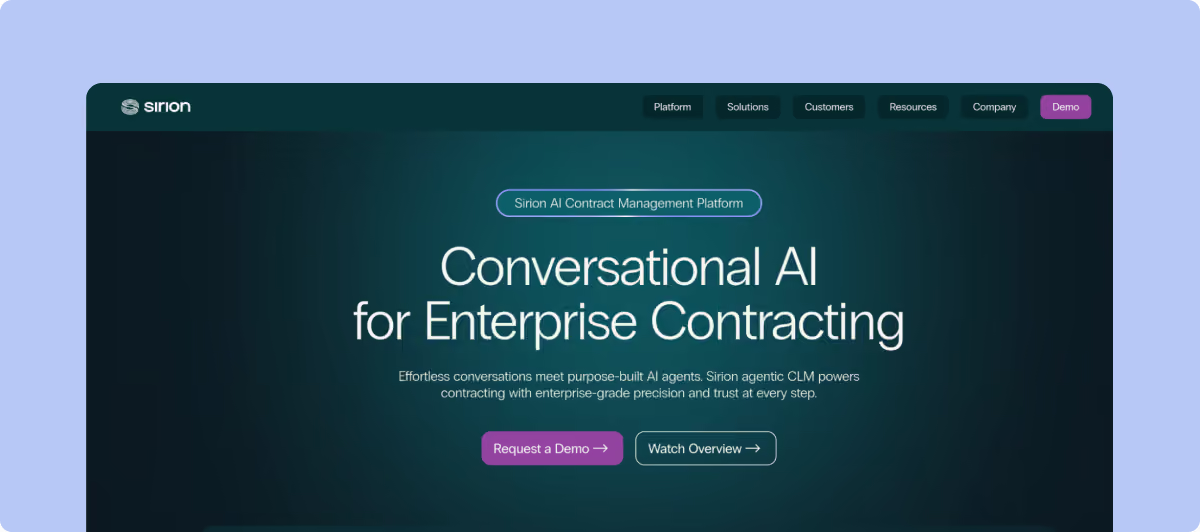
6. Sirion
Sirion is a contract lifecycle management platform designed for enterprises. Its product covers contract creation and negotiation, then extends into detailed obligation and performance management after execution.
Key Features
Drafts contract language using AI-assisted drafting and reusable negotiation guidance.
Detects issues in third-party agreements against configured playbooks.
Proposes redlines while keeping review work inside Microsoft Word.
Structures commitments into obligations, owners, recurring tasks, and due dates.
Links contractual commitments with service levels, payments, and operational-performance information when those data sources are connected.
Pros
Carries obligation management into post-signature operations instead of treating execution as the final contract stage.
Connects contractual commitments with service delivery and commercial-performance data.
Extends into supplier-performance, obligation, SLA, and post-signature workflows that can involve data from systems outside Legal.
Uses connected operational data for SLA monitoring and contract-performance workflows.
Uses contract and financial data for payment and invoice-validation workflows.
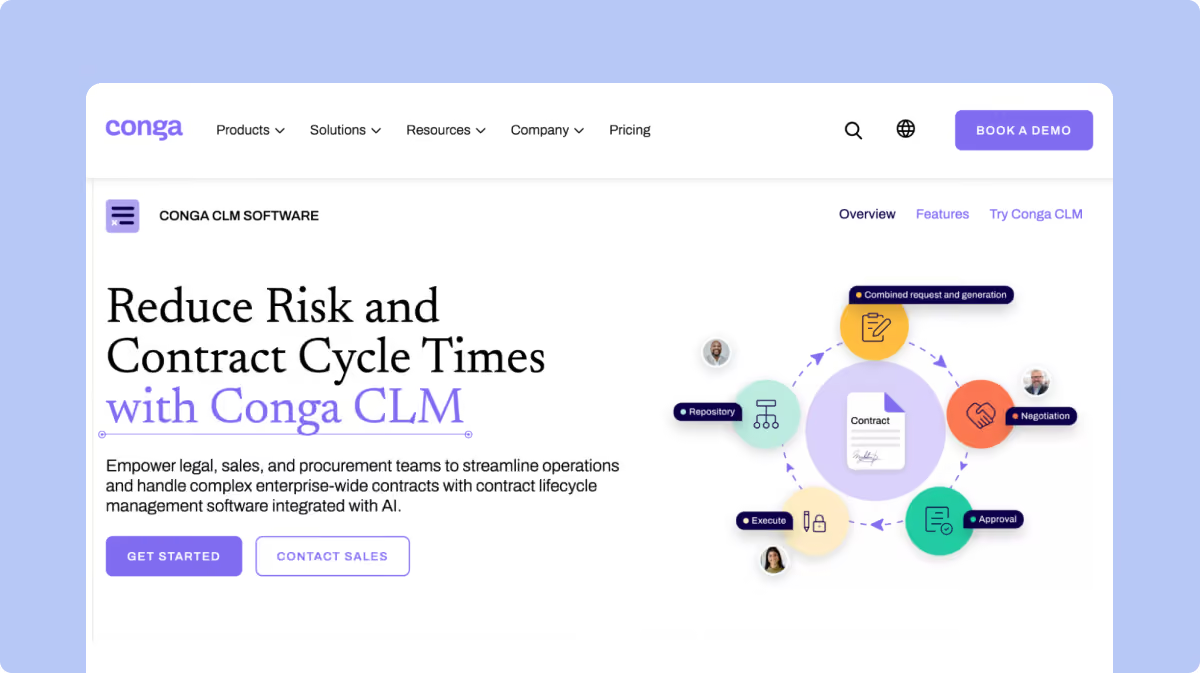
7. Conga
Conga supports contract management alongside products for document generation, electronic signature, and CPQ. Conga Contracts for Salesforce can also make Salesforce configuration part of the contracting architecture.
Key Features
Creates agreements from contract templates and Salesforce-linked data.
Reviews changes using Word-based redlining, versioning, and True-Up functionality.
Controls contract language through clause libraries, with clause playbooks available in applicable editions.
Routes altered clauses through defined approval steps where clause-level approval is configured.
Connects electronic signatures through Conga Sign and supported external eSignature providers.
Pros
Connects contracts with Salesforce data for organizations already running commercial workflows there.
Supports redlining, third-party contracts, repository management, and approval processes across its CLM editions.
Extends contracting into document generation and quoting where customers also use adjacent Conga products.
Cons
Changes feature availability by CLM edition: Clause Library begins with Business, while Clause Playbook appears in Enterprise.
Supports Clause Playbook only with Composer-generated documents.
Bundles document generation, approvals, reporting, and Conga Sign differently across its Contracts for Salesforce editions.
8. PandaDoc
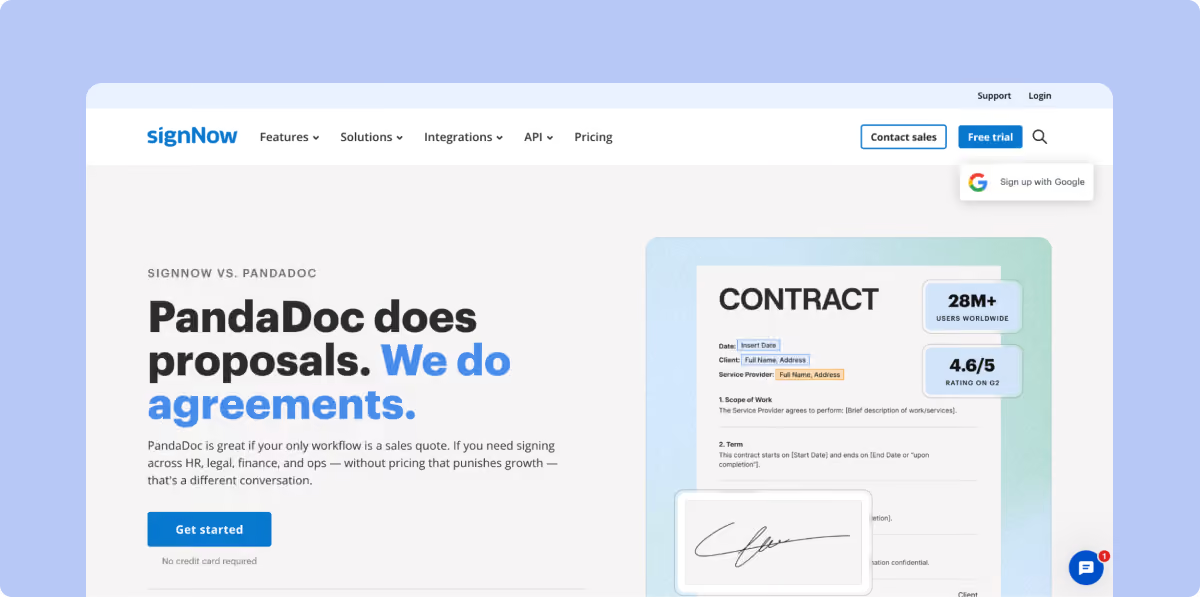
PandaDoc combines proposal creation, document creation, eSignature, approvals, quoting, and payments. Its workflow is particularly relevant where agreements begin inside a sales-document process.
Key Features
Creates proposals, quotes, contracts, and forms through reusable templates and document automation tools.
Routes documents through configurable approval workflows before sending.
Connects document fields and commercial information with CRM-driven workflows.
Tracks edits, comments, versions, approvals, and signature activity.
Supports Word-based redlining through its current early-access workflow on eligible annual plans.
Pros
Combines document creation, quoting, signature, and payment steps inside the same document environment.
Reduces repetitive sales-document creation through templates and CRM-populated fields.
Supports more detailed approval logic for organizations that need review before documents reach customers.
Cons
Restricts the new redlining experience to Business annual and Enterprise annual plans.
Charges Business customers separately for access to the current redlining feature.
Excludes uploaded content from the current redlining workflow, which affects teams negotiating third-party papers.
9. Dropbox Sign
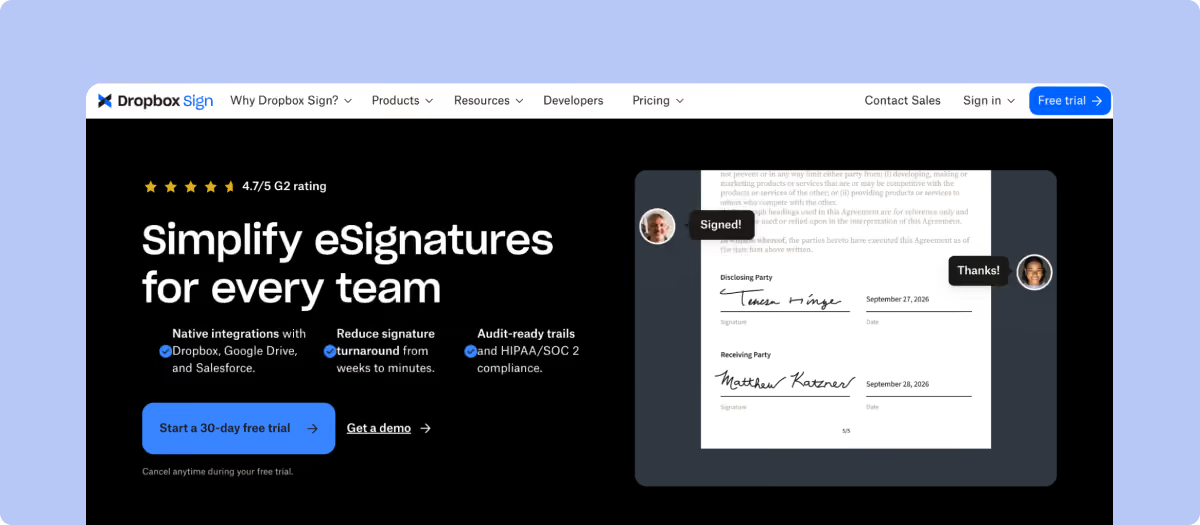
Dropbox Sign concentrates on electronic signatures and embedded signing. Its user plans cover reusable signing workflows, while separate API offerings support signatures inside external products and applications.
Key Features
Sends unlimited signature requests through its current web-user plans.
Reuses signing templates for repeat agreements and standard forms.
Records signing events through audit trails attached to completed transactions.
Embeds signature collection into external websites and applications through its API.
Connects signature activity with Dropbox storage and developer-built systems.
Pros
Offers unlimited web signature requests across its current paid user plans.
Supports embedded signing for products that need signatures inside their own interface.
Publishes self-service plan pricing for Essentials and Standard.
Cons
Separates API usage from ordinary user-plan pricing, so automated sending needs a separate cost calculation.
Limits template allowances according to the purchased plan.
Focuses its published product scope on eSignature, templates, audit trails, integrations, and embedded/API signing; teams needing contract review or post-signature CLM should assess those requirements separately.
10. Adobe Acrobat Sign
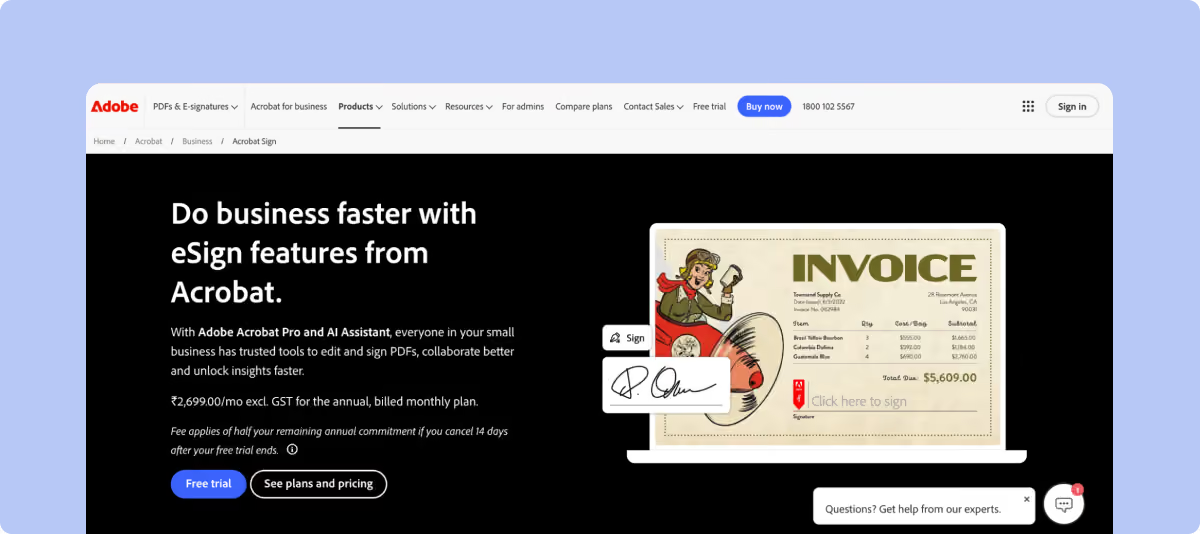
Adobe Acrobat Sign provides enterprise electronic signatures, integrations, authentication controls, and API-driven workflows. Buyers should distinguish Acrobat Sign Solutions from the signing capabilities available through Acrobat Standard and Acrobat Pro, since they cover different use cases.
Key Features
Creates and manages agreements through electronic-signature workflows.
Embeds the signing interface inside external applications through REST APIs.
Tracks agreement status and retrieves signed documents programmatically.
Connects with business applications through Adobe’s integration hub and more than 75 listed integrations.
Authenticates API-based and embedded signing workflows using Adobe or application-controlled identity mechanisms.
Pros
Fits businesses already using Adobe for PDF creation and document work.
Connects eSignature with CRM, ERP, and document-management systems through prebuilt integrations and APIs.
Supports embedded signing for customer or employee portals.
Cons
Requires buyers to compare Acrobat Sign Solutions separately from standard Acrobat subscription features.
Restricts persistent API integration keys to Enterprise accounts.
Places signer-authentication responsibility on the customer application when direct embedded-signing URLs are used without Adobe-managed authentication.
11. SignNow
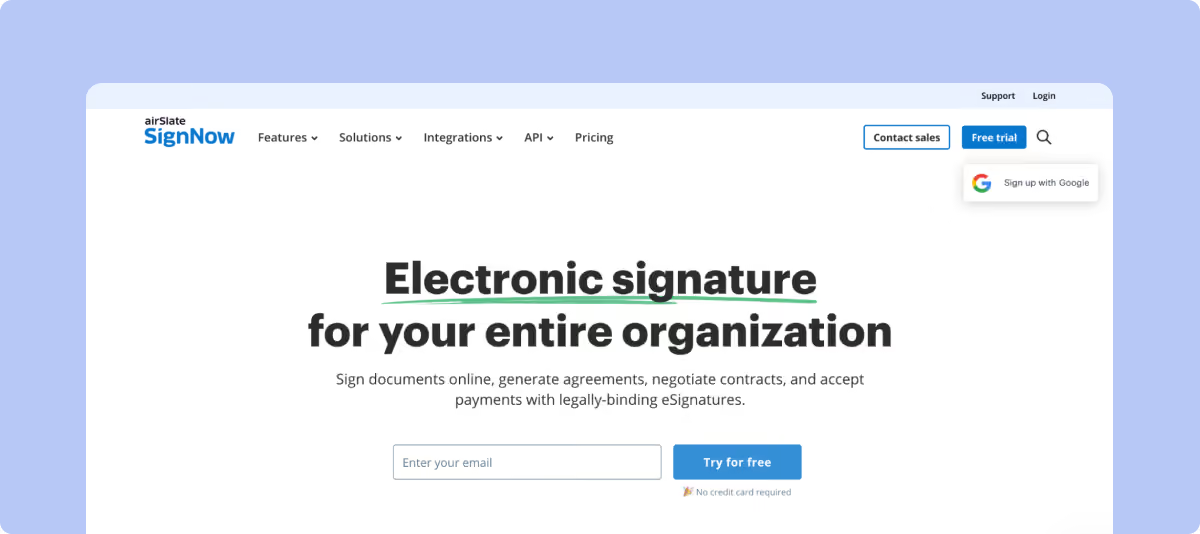
SignNow supports reusable signing workflows, templates, routing, bulk sends, authentication, and API-driven signatures. Its commercial model combines seat pricing with signature-invite allowances.
Key Features
Routes documents through sequential and parallel signing sequences.
Reuses templates with predefined signer roles and fields.
Sends documents through bulk workflows on eligible plans.
Authenticates recipients through plan-dependent signer-verification controls.
Integrates signature workflows into external systems through a separate API offering.
Pros
Publishes self-service prices rather than requiring every buyer to request a quote.
Supports both fixed signing sequences and parallel recipient workflows.
Provides API tooling for companies building signatures into their own processes.
Cons
Includes only 100 signature invites per user annually on current paid plans, or 10 monthly on monthly billing.
Charges for additional invites once the included allowance is exhausted.
Counts a cancelled and resent invitation as two separate invites against usage.
12. OneSpan Sign
OneSpan Sign focuses on signing processes that require advanced authentication, detailed identity verification, audit evidence, and document integrity. Its product can sit inside customer-facing applications through APIs. Teams that require certificate-based digital signatures should also confirm which signature standards each agreement type needs.
Key Features
Routes recipients through serial or parallel signing workflows.
Authenticates signers using several identity and verification methods.
Seals executed documents so later changes can be detected.
Records signer actions, authentication events, timestamps, and certificate information within transaction evidence.
Embeds signature workflows inside external systems using APIs and supported SDKs.
Pros
Supports different authentication levels for transactions with different identity requirements.
Preserves detailed audit trails for completed signature transactions, including signer actions, authentication events, and timestamps.
Connects signature functionality with external applications through developer tooling.
Cons
Offers multiple authentication methods that need to be matched to the identity requirements of each signing workflow.
Changes commercial scope according to transaction volume and deployment requirements.
Focuses its product scope on eSignature, authentication, audit evidence, and embedded signing; broader CLM requirements need separate evaluation.
13. Zoho Sign
Zoho Sign covers signature requests, approval workflows, templates, authentication, APIs, and integrations. Its published plan structure also shows how envelope allowances change with usage.
Key Features
Routes documents through signature, approval, and manager workflows.
Authenticates recipients through OTP, government ID, KBA, and supported trust-service providers.
Builds reusable templates with custom, conditional, and formula fields on applicable plans.
Embeds sending and signing through REST APIs and SDKs.
Connects signature workflows with Zoho applications, cloud storage, and third-party systems.
Pros
Publishes envelope allowances across Free, Standard, Professional, and Enterprise plans.
Provides unlimited envelopes on Professional and Enterprise for qualifying web-interface usage.
Offers an API-only plan without recurring per-user subscription charges.
Cons
Limits Free to five envelopes monthly and Standard to 25 per user monthly.
Consumes additional credits for API sends, bulk sending, SMS, authentication, and several third-party workflows.
Charges five Zoho Sign credits for each envelope sent through its API-only workflow.
How to Choose the Best DocuSign Alternative for Your Team
Compare each option against the document workflow you already use in DocuSign, then work through these six questions:
1. Which DocuSign workflow has to move?
List what happens today before and after signature. Include templates, senders, API calls, approvals, repository work, and any CLM processes.
That list shows whether another signing product is enough or whether a wider contract platform is a better fit for the workflow.
2. What does one year of real usage cost?
Use last year’s send volume rather than the vendor’s entry price.
Count envelopes, API access, authentication, bulk sending, users, implementation, and expected growth. DocuSign, SignNow, Dropbox Sign, and Zoho Sign apply different usage models.
3. What has to move during migration?
Inventory active agreements, templates, metadata, completed contracts, permissions, integrations, and reports.
Then ask each vendor who performs that work and what customer support is included during migration. The answer can materially change the internal effort required after purchase.
4. What happens after an approved term changes?
Approve the test contract, change a material term, and send the updated version back into the workflow.
Check whether the previous approval remains valid or returns to the required reviewer. This test exposes approval logic that a standard demo rarely shows.
5. Can Legal review actual third-party papers?
Upload a counterparty agreement and review it in the tool your lawyers normally use.
Test playbooks, Word redlining, comments, versions, and escalation. A template demonstration does not show how real negotiation will work.
6. What can users do in the tools they already use?
Check whether users can complete the contract tasks they rely on without leaving systems such as Salesforce or Word. Ask the vendor to show the exact actions available in each integration, including creating contracts, viewing contract data, handling approvals, tracking status, and reviewing documents.
For example, SpotDraft lets Salesforce users create contracts, view contract details, track statuses, and handle approvals without leaving Salesforce.
The same check applies to mobile access. If contracts are regularly reviewed or signed away from a desktop, test the mobile app to see which parts of the workflow users can complete there.
Why Legal Teams Consider SpotDraft as a DocuSign Alternative
SpotDraft becomes relevant when the move from DocuSign includes more than eSignature. It brings contract creation, review, approvals, signing, repository management, and reporting into one Legal workflow.
Contract stage
How SpotDraft handles it
Create
Legal-approved templates let business teams initiate repeat agreements within predefined contract rules.
Review
VerifAI checks agreements against Legal’s Guides in Microsoft Word and can suggest comments or tracked redlines.
Approve
Workflow rules route agreements based on contract information and configured approval conditions.
Sign
Native eSignature keeps execution attached to the contract workflow and record.
Manage
Repository data can be searched and used for ongoing contract tracking and reporting.
Integrate
Salesforce users can create contracts, view metadata, track statuses and handle approvals without leaving the CRM.
Implement
SpotDraft includes workflow setup, integrations, legacy-contract migration, dedicated customer success and 24/7 support.
Frequently Asked Questions
What is the best alternative to DocuSign?
Is there a free alternative to DocuSign?
Does Microsoft have a DocuSign alternative?
Are DocuSign alternatives legally binding?
Related content
latest
Evisort pricing in 2026: Workday CLM costs and quote factors
Review Evisort (Workday CLM) pricing in 2026, with available benchmarks, quote factors, implementation costs, and buyer evaluation considerations.
“Before using SpotDraft, executing a contract would take up to weeks. Now, contracts are signed within minutes, with better data security and tracking. The whole process takes us less than a day!”
Arti Singh
Founder’s Office, Growth, UrbanVault
“Before using SpotDraft, executing a contract would take up to weeks. Now, contracts are signed within minutes, with better data security and tracking. The whole process takes us less than a day!”