SpotDraft. It delivers full-lifecycle contract management with native, unlimited e-signature, flexible online and offline editing, a repository that scales, granular reporting, 24/7 global support and a dedicated CSM at no added cost. It bridges enterprise-grade capability with rapid in-house implementation and high adoption, making it a strong tool for scaling and mid-market teams.
Why do companies look for Ironclad alternatives?
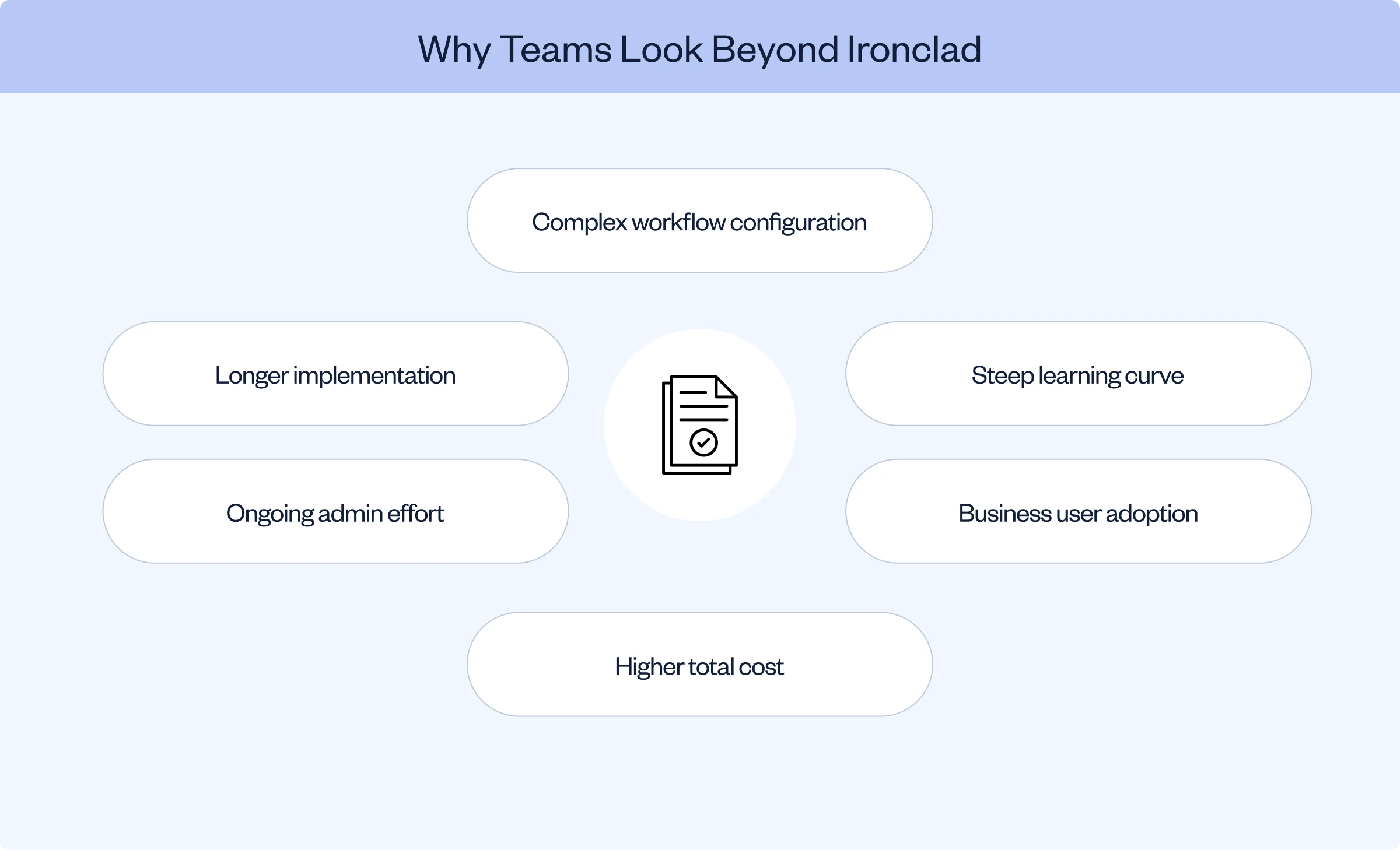
A misalignment of fit, speed and costs. Ironclad brings configuration complexity and high admin and IT demand, stretching implementation periods to months on end. This diminishes the time-to-value ratio. Teams also prefer native e-signatures, flexible editing options, simpler adoption and included support as opposed to paid tiers.
Do Ironclad competitors include native e-signature?
SpotDraft and Juro include e-signature. DocuSign CLM is built around DocuSign e-signature. Surmize and Sirion rely on external integrations that tend to introduce per-envelope limits and additional billings.
Is Spotdraft better than Ironclad?
For scaling and mid-market teams, yes. SpotDraft deploys faster, can be implemented in-house in weeks as opposed to months and offers pricing transparency along with native e-signature and 24/7 support included. Ironclad demands dedicated admin and IT resources and can take months to implement.
Huzaifa Sultana is a Marketing Associate at SpotDraft focusing on Organic Growth through SEO and AEO.
TL;DR
Ironclad is a strong CLM in its own right, rated 4.5/5 on G2 and 4.4/5 on Capterra, but teams still leave over implementation time, admin overhead and cost at their specific scale.
The right alternative depends on what you are actually optimizing for: full lifecycle coverage, Salesforce depth, obligation tracking, browser based editing or budget.
SpotDraft leads this list for in-house teams that want full lifecycle coverage with native, unlimited e-signature and a rapid, in-house implementation.
Nine other platforms cover specific priorities: DocuSign CLM, Juro, Sirion, Icertis, Agiloft, LinkSquares, Summize, Conga and Evisort.
Before switching, map what actually needs to move: Workflow Designer configurations, templates, repository metadata, Salesforce objects and e-signature routing.
Ask five Ironclad customers what made them evaluate a switch, and you will likely get five different answers. One team outgrew the admin time their Workflow Designer setup demanded. Another wanted native e-signature instead of a separate Adobe Sign or DocuSign integration. A third simply needed a lower price point at their contract volume.
That range of reasons matters, because it means there is no single "best" Ironclad alternative. There is only the platform that best matches what your team is actually trying to fix. This guide breaks down the top 10 Ironclad alternatives by what each one solves, what it costs you in tradeoffs and which type of team it actually fits.
Why Teams Start Looking Beyond Ironclad
Ironclad is not a weak product. It holds a 4.5/5 rating on G2 and 4.4/5 on Capterra, and it sits among the category leaders on Gartner Peer Insights. Reviewers consistently praise its Workflow Designer, its Salesforce integration and its Jurist AI drafting assistant. So the reasons teams leave are rarely about product quality. They are about fit.
Recurring themes across G2 reviews include repository search that depends heavily on exact metadata and tags. If a contract was not tagged precisely at upload, finding it later becomes what one reviewer called a scavenger hunt. Reviewers also flag a real learning curve for anyone not already used to CLM tools and workflow configurations that non-legal, business stakeholders often struggle to maintain on their own once Legal hands them off.
Cost is the other recurring factor. Independent industry analysis of Ironclad pricing for enterprises puts typical annual contracts in the $50,000 to $200,000-plus range depending on volume and modules, which prices out solo practitioners, small firms and leaner in-house teams even when the product itself fits their workflow.
That gap between desired outcomes and realized results shows up in SpotDraft's own 2025 State of Legal Ops report as well. It found that 39% of in-house legal teams rank improving contract turnaround time as their top priority, while only 1% describe their current legal processes as fully optimized. The right CLM should close that gap rather than add administrative overhead to it. This guide covers the 10 best Ironclad alternatives to help you find one that does.
What to Look for in an Ironclad Alternative
Use this checklist to weigh any shortlist against what will actually move the needle for your team.
The CLM
Choose if
Don't choose if
SpotDraft
You want full-lifecycle CLM coverage with fast implementation, in-house implementation support and native e-signature.
You need a highly complex enterprise setup that may require a longer implementation timeline.
DocuSign CLM
Your team already relies heavily on DocuSign and wants CLM within the same ecosystem.
You want predictable published pricing or want to avoid plan-based usage allowances.
Juro
You want a modern browser-native CLM for a small or fast-moving team.
Your team or counterparties need to work extensively in Microsoft Word.
Sirion
You need deep post-signature obligation, SLA and contract performance management.
You want a simpler implementation without relying on connected operational systems or partner-led implementation.
Icertis
You are a global enterprise that needs strong governance, structured contract data and integrations with SAP, Workday or Salesforce.
You need a lightweight CLM that can be rolled out quickly with limited internal resources.
Agiloft
You need extensive no-code customization across workflows, data models and approvals.
You want a plug-and-play platform with minimal technical setup.
LinkSquares
Your priority is contract analytics, metadata extraction and post-signature contract intelligence.
Your biggest need is sophisticated front-end workflow automation and drafting.
PandaDoc
You want document creation, sales proposals, approvals and e-signatures alongside basic contract management.
You need a full-scale CLM for complex legal or procurement workflows.
Conga
You run heavily on Salesforce and want CLM connected with CPQ and document generation.
You want a simpler implementation without Salesforce administration expertise.
Workday
You already use Workday and want contract-related processes connected to HR, finance and procurement workflows.
Contract lifecycle management is your primary need and you want a dedicated CLM platform.
10 Best Ironclad Alternatives for Contract Management in 2026
1. SpotDraft
SpotDraft is a context-aware, AI-native CLM built for in-house Legal teams that need full lifecycle coverage without months of implementation. It brings contract workflows, negotiation, native e-signature, repository management, analytics and AI-assisted review into one environment.
Best for: Scaling and mid-market in-house teams that want an enterprise-grade CLM without enterprise-grade implementation timelines.
Key features
Conditional templates, automated approvals and draft-to-signature tracking.
Contract review, redlining and finalization inside Microsoft Word, Slack and SpotDraft directly.
VerifAI, which reviews contracts against configurable playbooks and suggests language and redlines.
Analytics that surface renewals, bottlenecks and team workload.
Pros
A dedicated implementation team builds the setup around your existing contract process rather than forcing you into theirs.
Migration, team training, live templates, approvals, integrations and dashboards are included in the published implementation process, not billed separately.
Includes a dedicated customer success manager and 24/7 omnichannel support at no added cost.
Cons
Connecting VerifAI Guides directly to workflows requires the VerifAI for Teams module.
The published under-six-week switching timeline can extend depending on the complexity of your existing setup.
The Contract Buyout Program requires signing a SpotDraft contract upfront, though billing only begins once your existing CLM contract ends.
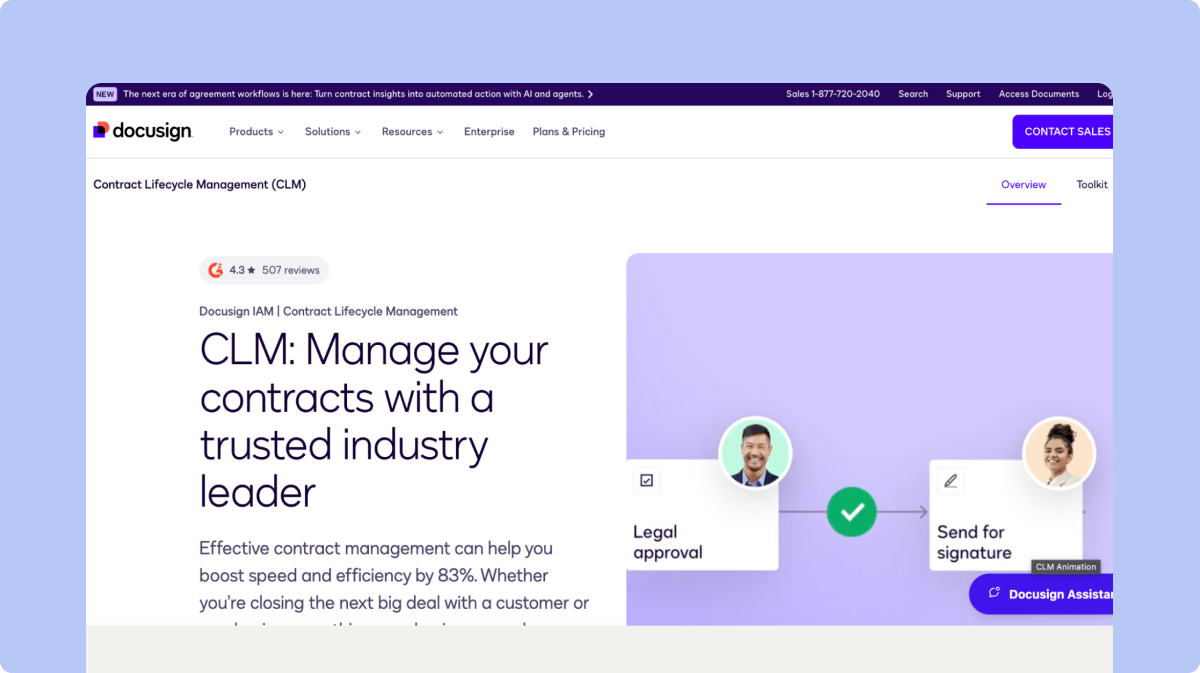
DocuSign CLM manages contract creation, collaboration, review, workflow automation and post-signature tracking, built on DocuSign's e-signature foundation. An extension of the familiar DocuSign e-signature tool, this contract lifecycle management system is a potential contender for enterprises evaluating Docusign alternatives and willing to take on paid consultants to oversee implementation that can take months.
Best for: Teams already standardized on DocuSign for e-signature who want to add CLM without switching signing tools.
Key features
Dynamic templates populated from connected systems such as Salesforce.
Conditional rules for agreements that contain non-standard terms.
Clause libraries for pre-approved contract language.
An AI-powered repository that tracks milestones, obligations and renewals.
More than 100 pre-trained AI models for contract data extraction and analysis.
Pros
Signing and CLM live in the same platform, avoiding the two-tool handoff Ironclad requires with Adobe Sign or DocuSign.
Connects with existing tools through pre-built connectors and APIs.
Supports AI-assisted review, negotiation, summarization and contract questions.
Cons
Enterprise pricing is not published. Buyers are directed to contact DocuSign directly.
Some Intelligent Agreement Management allowances vary by plan and order start date.
Automation sends and certain document-generation activities can count against plan allowances.
3. Juro
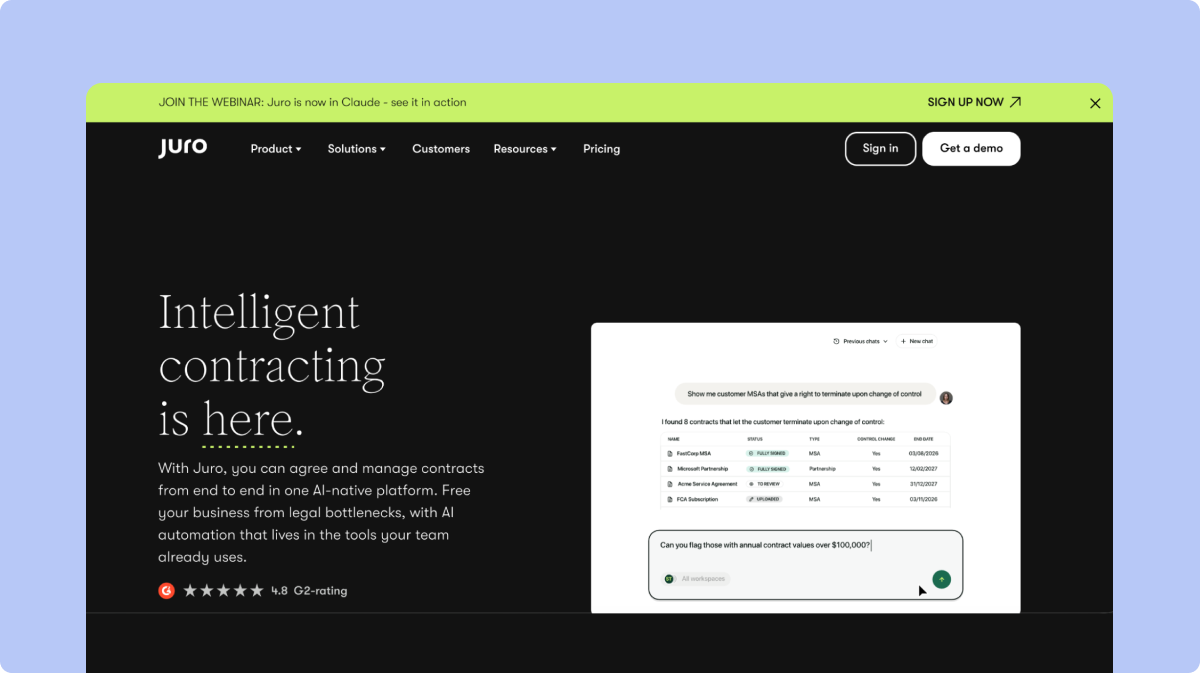
Juro is a modern AI-first platform for teams with modest signing, storage and integration needs that are comfortable adopting a browser-restricted platform with support only during business hours. Teams comparing Juro with other leading CLM platforms may also want to explore Ironclad vs Juro to understand how the two options differ.
Best for: Small, fast-moving teams that want a modern, AI-enabled editor and are comfortable working entirely in-browser.
Key features
Agreements created from templates controlled by Legal or pulled from a connected CRM.
AI Extract, which converts contract terms into structured data.
Operator, which answers natural-language questions across contract information with source citations.
Native e-signature and integrations with Salesforce, HubSpot, Slack and Google Drive.
Pros
A clean, modern interface that reduces onboarding time for non-legal users.
Publishes a 99.9% platform-uptime figure and holds SOC 2 Type 2 certification.
Native e-signature is included, unlike Ironclad's reliance on a separate signing tool.
Cons
Operator is capped at 500 completed tasks per customer each month.
AI Review is limited to 10 reviews per user every two hours.
The browser-only editor means counterparties who prefer Word often revise contracts outside the platform, creating version-control gaps.
4. Sirion
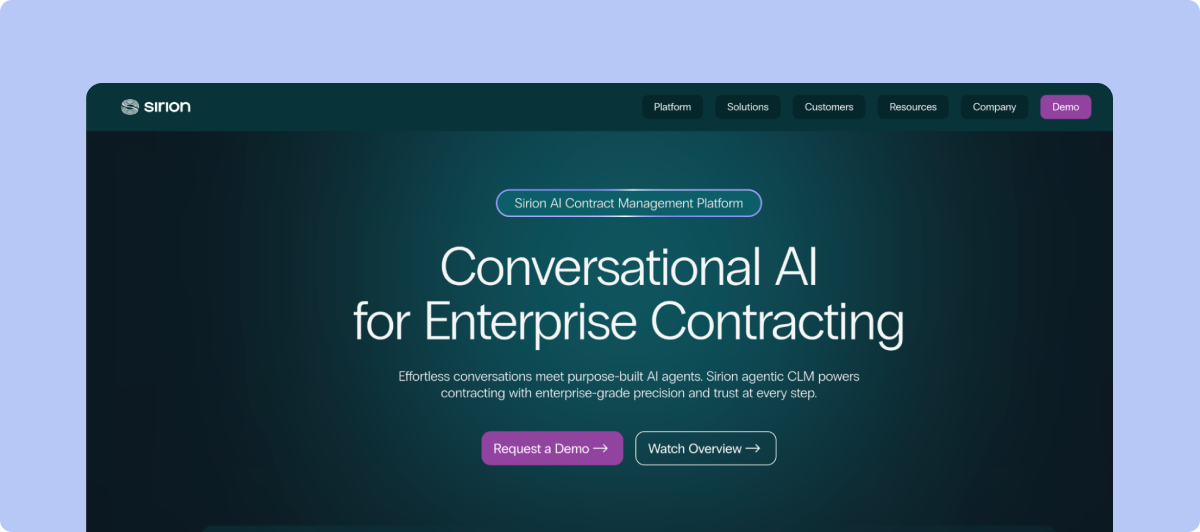
Sirion's Contract Performance Management product connects contractual obligations and service levels with operational performance and billing after execution.
Best for: Large enterprises with complex, high-volume obligation and service-level management needs.
Key features
Tracks fulfillment of obligations and service-level agreements across all parties.
Calculates delivered service levels automatically and flags deviations through RAG dashboards.
Sends alerts for upcoming and overdue commitments.
Validates invoices against contract terms, pricing and consumption.
Pros
Maintains obligations in a centralized repository linked to contracts and counterparties.
Breaks master obligations into child obligations and recurring tasks automatically.
Supports bulk obligation management, performance reporting and penalty or earnback calculations.
Cons
A unified performance view requires connecting relevant ERP or procure-to-pay systems.
Service-level monitoring depends on operational performance data from those connected systems.
Implementation is typically partner-led and can extend the timeline compared with self-serve platforms.
5. Icertis
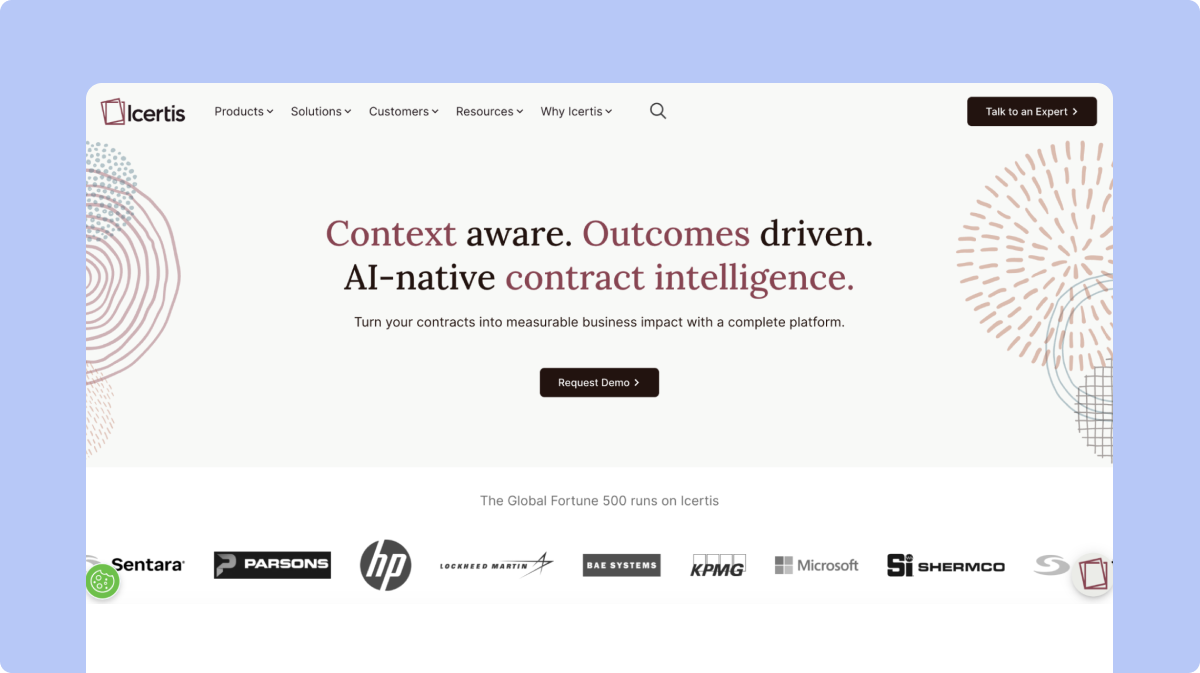
Icertis Contract Management combines a centralized contract system of record with standardized workflows, contract intelligence and deep enterprise-system integrations.
Best for: Global enterprises that need governance, structured data and integration across SAP, Microsoft, Salesforce and Workday.
Key features
Ingests legacy and third-party agreements into a central, structured repository.
Answers natural-language questions across contracts through Vera Copilot.
Supports contract review and redlining inside Microsoft Word.
Manages contract work through connected enterprise systems including SAP and Workday.
Pros
Role-based controls and self-service administration for standardized workflows.
Preserves contract records, relationships and version history in a governed repository.
Covers the full lifecycle from creation through post-execution governance and fulfillment.
Cons
Icertis publishes a six-phase implementation process, longer than most self-serve alternatives.
The Discover and Configure phase frequently includes data migration and custom design work.
Best suited to organizations with the internal bandwidth to support a multi-phase rollout.
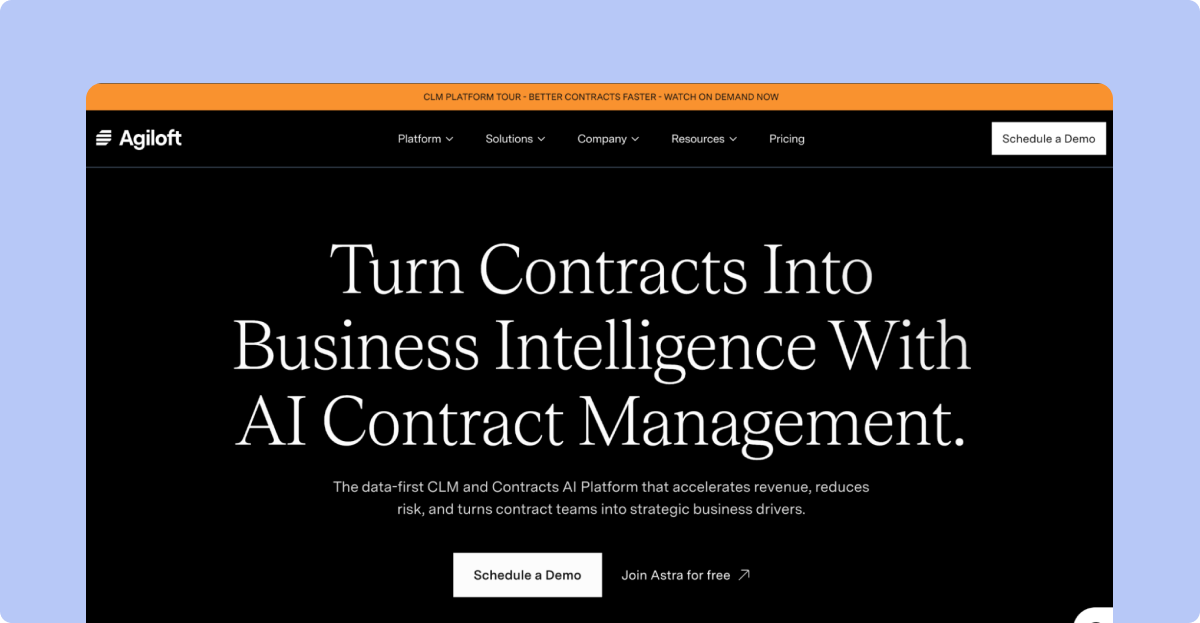
6. Agiloft
Agiloft manages the contract lifecycle from request through renewal with configurable, no-code workflows and its Astra AI assistant.
Best for: Teams that want deep, no-code customization of workflows, data models and approvals.
Key features
Configures workflows, approvals and data models without writing code.
Uses Astra to compare contract language against standards and extract commitments.
Connects contract data with more than 1,000 CRM, ERP and business-intelligence systems.
Manages both pre-signature activity and post-signature obligation and renewal work.
Pros
Approved team members can change processes themselves without filing a support request.
Centralizes creation, negotiation, execution, obligation tracking and renewal in one system.
Point-and-click connections to a large library of external systems.
Cons
Agiloft's own documentation notes that backend setup requires some technical expertise.
Standard pricing and a typical implementation duration are not published.
The depth of configurability that makes Agiloft flexible also means initial setup takes longer than plug-and-play tools.
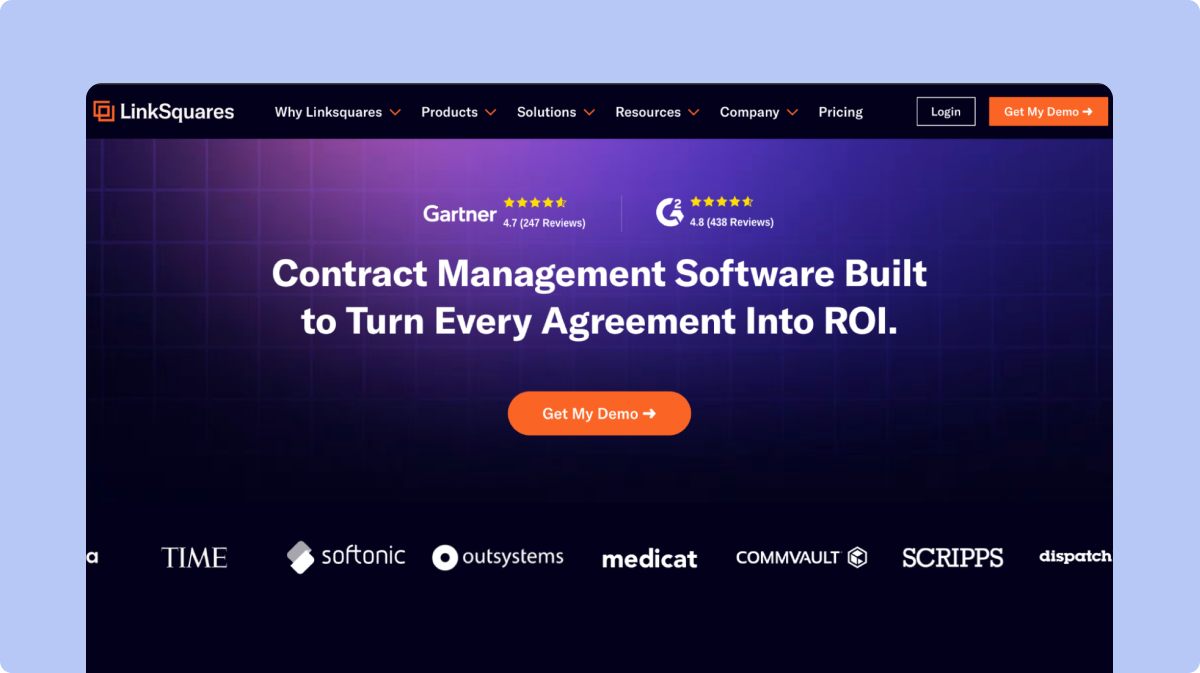
7. LinkSquares
LinkSquares covers contract work from drafting through renewal, with a strong lean toward post-signature analytics and structured data extraction.
Best for: In-house teams that prioritize contract analytics and metadata extraction over front-end drafting workflows.
Key features
Surfaces contract dates, terms, obligations and risks automatically.
Centralizes clauses, templates, playbooks and contract requests.
Reviews and redlines agreements against playbooks through its AI Legal Assistant.
Digitizes and ingests legacy contracts so they can be searched alongside newer agreements.
Pros
Strong at surfacing portfolio-level insights once contracts are ingested.
Automatically syncs fully signed Finalize agreements into the Analyze module for customers using both products.
The AI Legal Assistant can analyze up to five selected files in a single request.
Cons
Changes made in Finalize after an agreement has synced are not reflected back in Analyze.
XLSX files are not eligible for ingestion through the Analyze and Finalize integration.
Generally stronger for analysis than for front-end workflow automation, so front-heavy teams may find it thinner than expected.
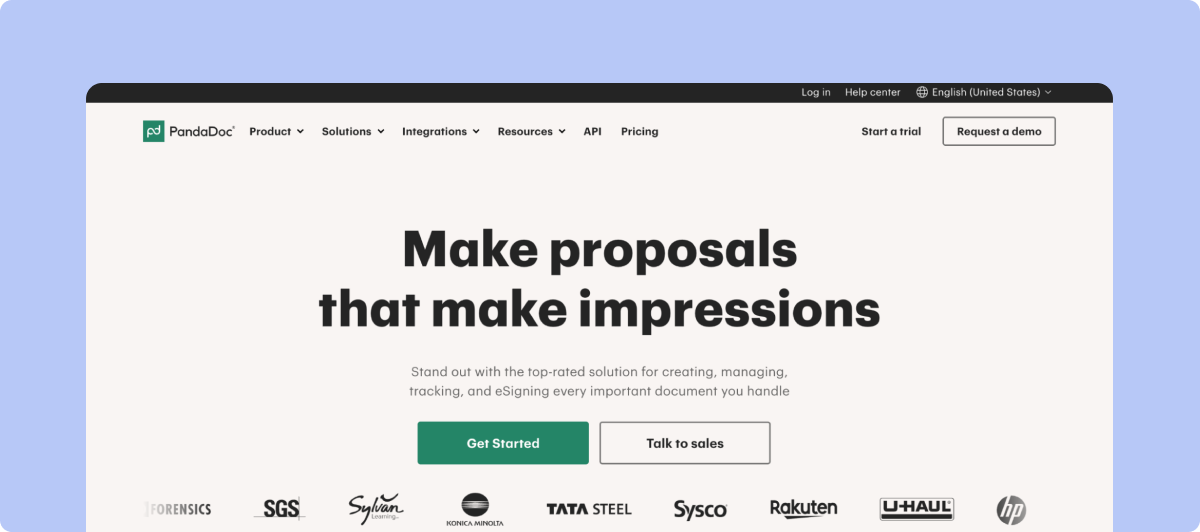
8. PandaDoc
PandaDoc is a document management and e-signature platform that combines document creation, approvals, contract workflows and electronic signatures in one platform.
Best for: Teams that want document creation, sales proposals and e-signatures alongside basic contract management capabilities.
Key features
Document creation, templates and approval workflows.
Electronic signatures built into the platform.
Contract and document tracking with analytics and reporting.
Pros
Strong document creation and e-signature capabilities.
Easy for sales and business teams to create, send and track documents.
Brings document workflows and signing together in one platform.
Cons
More focused on document workflows and sales enablement than full-scale CLM.
Contract management capabilities can feel limited for complex legal and procurement workflows.
Advanced features and higher usage limits may require more expensive plans or add-ons.
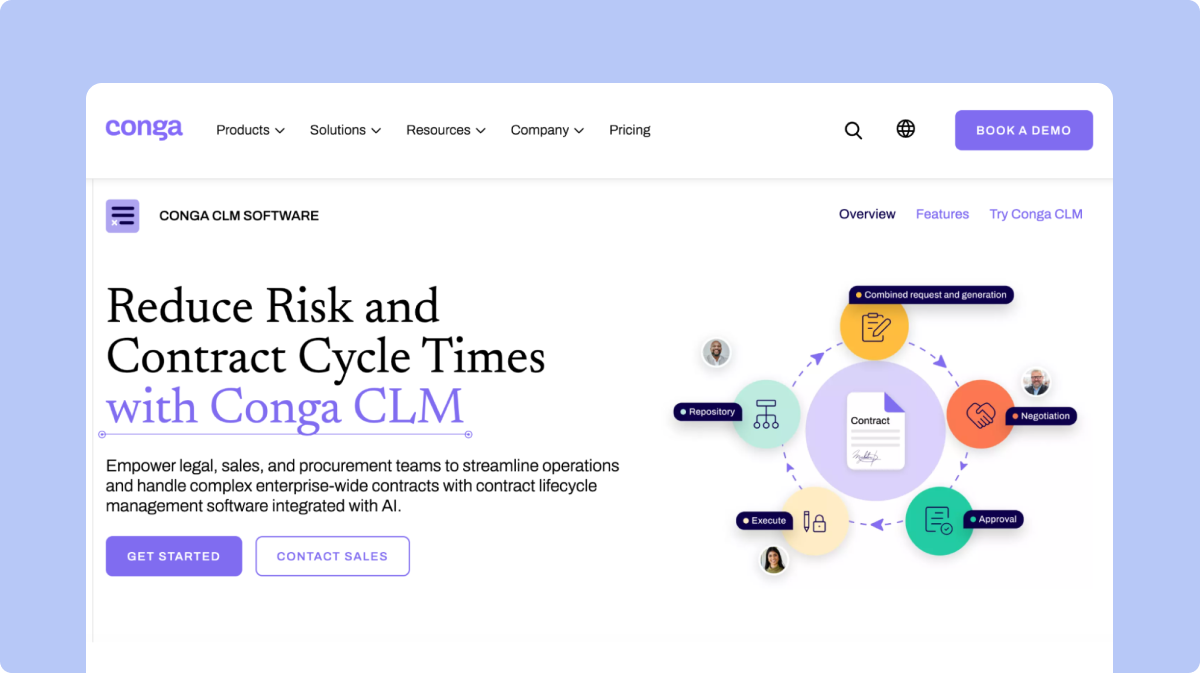
9. Conga
Conga brings CLM, document generation, e-signature, CPQ, billing and pricing together, with particularly deep Salesforce integration.
Best for: Enterprises built around Salesforce that want CLM connected to CPQ and document generation in one platform.
Key features
Deep Salesforce integration, with contract data and objects stored natively.
Composer for document generation with merge fields and conditional content.
Approval workflows connected to CPQ-driven pricing and quoting.
Pros
Genuinely useful when Sales, CPQ and contracting need to operate as one connected commercial workflow.
Mature document generation heritage dating back to its Apttus roots.
Built for enterprise scale.
Cons
G2 currently reports an average implementation time of four months for Conga CLM, longer than most CLM-only alternatives.
Reviews cite a steep learning curve and complex initial setup.
Because so much configuration lives inside Salesforce, the platform is best managed by someone with Salesforce administration expertise.
10. Workday
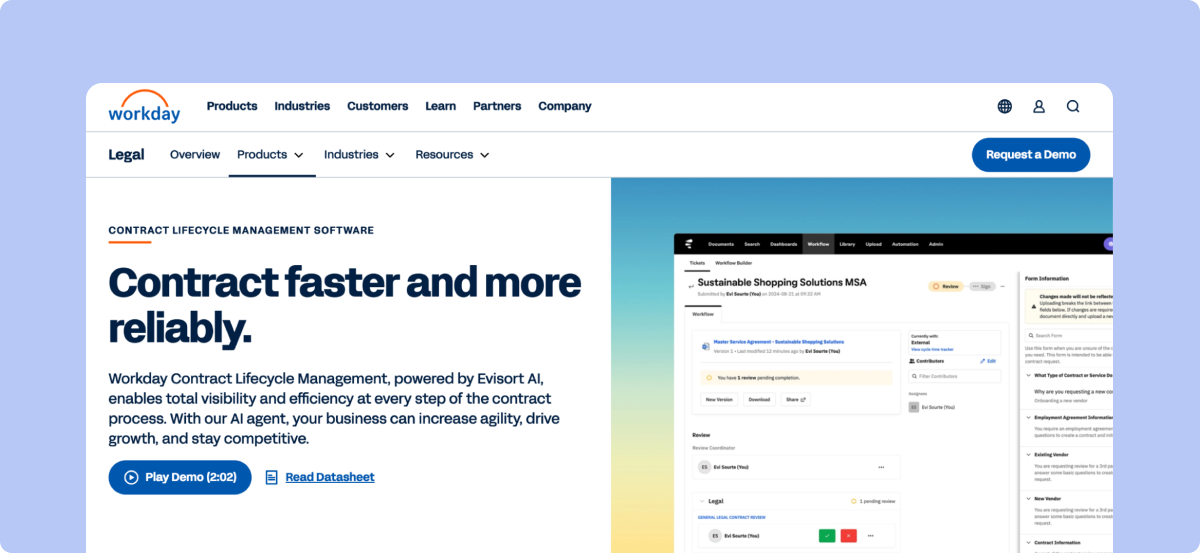
Workday is primarily a cloud-based HR and financial management platform, with contract-related capabilities available as part of its broader enterprise workflow ecosystem.
Best for: Large organizations already using Workday that want to manage contract-related processes alongside HR, finance and procurement workflows.
Key features
Contract and supplier management capabilities within broader business workflows.
Integration with HR, finance and procurement processes.
Enterprise reporting, approvals and workflow automation.
Pros
Strong fit for organizations already invested in the Workday ecosystem.
Connects contract-related processes with broader financial and procurement data.
Built for large enterprises with complex organizational structures.
Cons
Not primarily designed as a dedicated CLM platform.
Can be more complex to configure and implement than purpose-built contract management tools.
May be more functionality than smaller legal teams need if their primary requirement is contract lifecycle management.
Which Alternative Fits Your Priority?
If your priority is
Evaluate
Fast implementation with full lifecycle coverage
SpotDraft
Staying inside the DocuSign e-signature ecosystem
DocuSign CLM
A modern, browser-native editor for modest volumes
Juro
Deep post-signature obligation and SLA tracking
Sirion
Global governance across SAP, Workday and Salesforce
Icertis
Maximum no-code configurability
Agiloft
Contract analytics and structured data extraction
LinkSquares
AI summaries inside Word alongside an existing e-signature tool
Summize
Salesforce plus CPQ in one connected platform
Conga
Contract intelligence already inside Workday
Evisort
What to Plan Before Switching From Ironclad
A switch away from Ironclad rarely means copying signed PDFs into a new repository and calling it done. Ironclad-specific configuration tends to be more deeply embedded than teams expect, particularly around Workflow Designer and Salesforce.
Key areas to map before selecting a replacement:
Workflow Designer configurations. Record every request form, approval rule, signature policy and conditional path built inside Workflow Designer, since these do not export automatically to another platform.
Jurist AI settings and playbooks. Document any AI-assisted drafting, review or negotiation rules configured for Jurist so equivalent playbooks can be rebuilt elsewhere.
Repository structure and metadata. List the tags, fields and folder structures contracts rely on for search, since inconsistent tagging is one of the most cited pain points in Ironclad reviews and will carry over if not cleaned up during migration.
Salesforce objects and permissions. Identify every object, field, flow and permission tied to Ironclad's Salesforce integration if contract data lives there.
Admin group permissions. Map how Legal Operations and IT responsibilities are currently split across Ironclad's admin groups, since that separation needs to be rebuilt intentionally rather than assumed.
E-signature routing. Document signer roles, signing order and certificates from your connected e-signature tool, whether that is Adobe Sign or DocuSign.
API and integration dependencies. List every system sending or receiving data through Ironclad's API Management package.
Add-on configurations. Note anything configured under the Security and Data Pro add-on, since equivalent controls need a home in the new platform.
SpotDraft offers a Contract Buyout Program for teams switching from another CLM, including a tailored transition roadmap and assisted migration, with the option to go live before your existing Ironclad contract expires.
How SpotDraft Fits Teams Moving Beyond Ironclad
SpotDraft fits in-house Legal teams whose main requirement is full contract lifecycle coverage without months of admin-heavy setup. The platform brings intake, creation, review, approvals, negotiation, e-signature, storage, reporting and analytics into one system.
Legal sets the templates, playbooks, approval rules and permissions, while business teams complete routine contract work inside those guardrails, which gives Legal control without requiring it to handle every administrative step manually.
SpotDraft's core capabilities include:
Contract Templates: Repeatable contract creation from approved templates.
Contract Workflows: Routes agreements through the right reviews and approvals automatically.
VerifAI: Applies Legal's own playbooks during review and flags terms that need attention.
Contract Repository: Keeps signed agreements and their metadata searchable after execution, addressing the tagging and search issues most cited in Ironclad reviews.
Book a demo to see SpotDraft on your own contracts.
Frequently Asked Questions
What is the best alternative to Ironclad?
Why do companies look for Ironclad alternatives?
Do Ironclad competitors include native e-signature?
Is Spotdraft better than Ironclad?
Related content
latest
Contract Management for e-Commerce and Marketplaces: Vendor, Seller and Supplier Agreements
A detailed breakdown of how a CLM helps with vendor, seller and supplier agreements and which one is the best.




.png)

