Best Contract Lifecycle Management Software (2026): Ranked & Compared

Huzaifa Sultana is a Marketing Associate at SpotDraft focusing on Organic Growth through SEO and AEO.

Most legal teams don't set out to buy a CLM because they woke up wanting new software. They buy one because contracts are stuck in inboxes, nobody can find the signed version of an agreement from eight months ago, or renewal dates keep slipping past unnoticed. The scale of the problem is well documented: per SpotDraft's 2025 State of Legal Ops survey, 54.6% of legal teams already use some form of CLM, yet only 1% describe their contracting process as fully optimized. That gap says something important, adopting a CLM and actually running an efficient contracting process aren't the same thing.
Investment in this category keeps climbing too. According to Gartner data hosted on Statista, in-house legal technology spending rose from 2.6% of legal department budgets in 2017 to 3.9% by 2020 and was projected to reach roughly 12% by 2025, a threefold increase from 2020 levels. That spending growth is exactly why the CLM market now has dozens of viable vendors instead of two or three, and why picking the wrong one for your team's size is an increasingly expensive mistake to walk back from.
The adoption gap is visible beyond SpotDraft's own research. Wolters Kluwer's 2025 Legisway Benchmark, based on more than 700 corporate legal professionals, found that 42% of legal departments now use contract lifecycle management (CLM) software whereas 56% of legal teams are leveraging generative AI
This guide starts with what CLM software actually does, then walks through the 10 platforms worth shortlisting in 2026, sorted by the kind of team each one actually fits, with pros, cons, real pricing, and user commentary pulled from G2 for each.
Contract lifecycle management software is a system that manages a contract through every stage it goes through: request and intake, drafting, internal approval, negotiation and redlining, signature, storage, and renewal or termination. Instead of a contract living across email threads, a shared drive, and someone's inbox, a CLM keeps the whole process and every version of the document in one place.
Most platforms in this category share a common core: a contract repository for storage and search, templates and a clause library for drafting, workflow automation for approvals, e-signature for execution, and reporting for visibility into what's coming up for renewal or already overdue. Where platforms differ is in how much of that is automated, how deep the AI contract review goes, and how easy the system is for people outside the legal team to actually use without training.
That gap between adoption and optimization isn't abstract, it usually comes down to whether the platform fits the team using it, not whether a team has "a CLM" checked off as a line item. A CLM for legal teams should fit the team's size, workflow, and operational capacity rather than simply adding another system to manage. A platform built for a 500-person enterprise legal ops function, deployed at a 12-person team, tends to produce the same underused, over-configured mess as no system at all.
The financial impact can be significant too. Research from World Commerce & Contracting found that the average business loses almost 9% of value annually through poor contract management, with the best-performing organizations losing about 3% and the worst losing 15% or more.
Before making a decision about which CLM to choose, the on-demand session on whether your team is CLM ready is aimed squarely at the question most of this article is trying to answer.
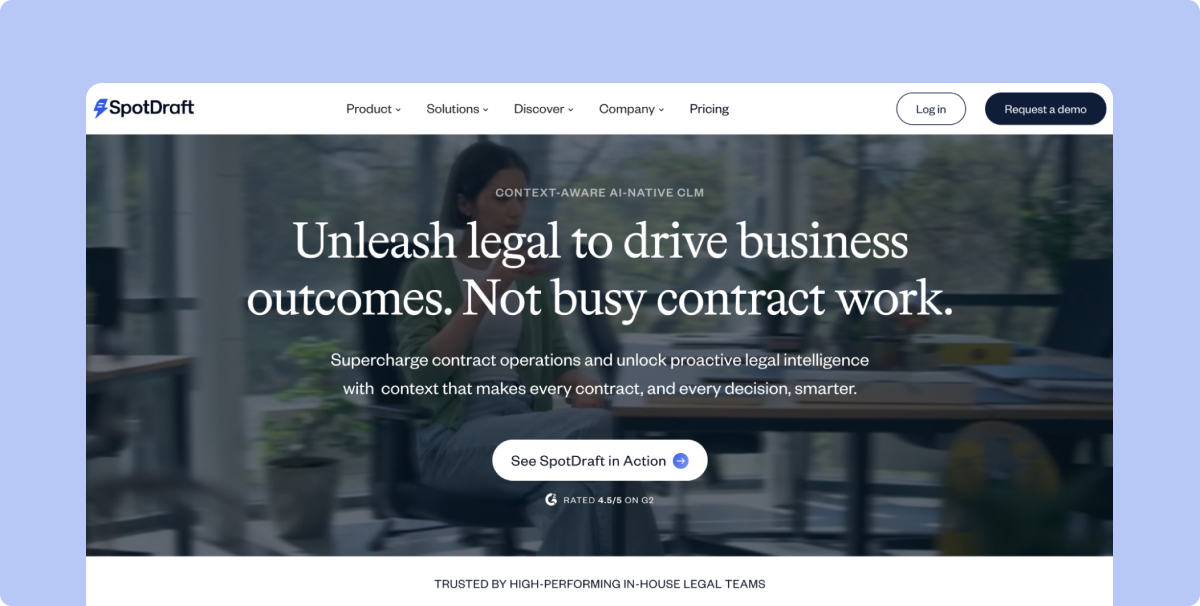
With SpotDraft, you get an enterprise-grade contracting platform without staffing an admin function to keep it running. Setup takes weeks, not months, and comes with migration and training included in the plan, not as an add-on.
Key Features:
Best For: Fast-growing companies with a lean legal team that needs enterprise capability without an enterprise implementation timeline.
Pricing: SpotDraft doesn't publish pricing information. Full pricing requires a conversation with sales. Know the pricing now!
Real User Reviews: From SpotDraft's customer story with Gameskraft:
"Thanks to SpotDraft, we save over 10 hours each week. Our contract lifecycle management efficiency has increased by 70-75%."
— Aditi Kapoor, Director, Legal, Gameskraft
From SpotDraft's customer story with UrbanVault:
"Before using SpotDraft, executing a contract would take up to weeks. Now, contracts are signed within minutes, with better data security and tracking. The whole process takes us less than a day!"
— Arti Singh, Founder's Office, Growth, UrbanVault
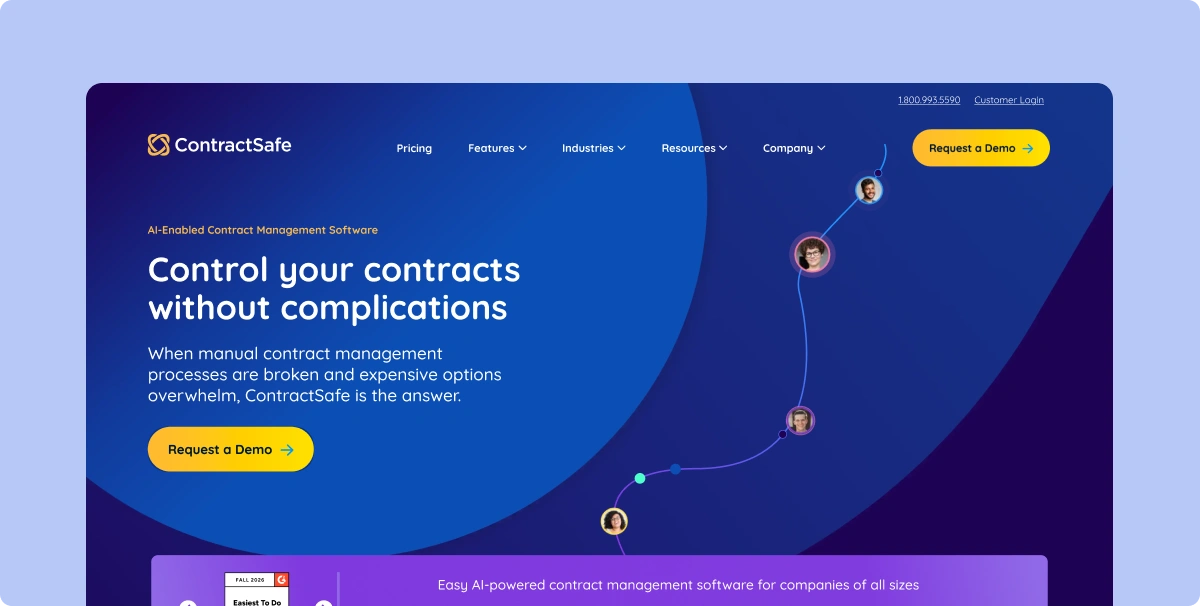
ContractSafe's full-lifecycle CLM platform helps teams manage contracts from intake and approvals through e-signature workflows, signed-agreement management, renewal alerts, reporting, and AI-assisted contract data in one practical system. It's built for legal, finance, procurement, and operations teams that need the whole contract lifecycle to run without a long enterprise implementation.
Key Features:
Pricing: Starting at $450/month with unlimited users included, a structural difference from platforms that charge per seat.
Real User Reviews: Users on ContractSafe's G2 review page note that its live chat support and automatic stage tracking have been useful for day-to-day contract handling, alongside its two-way e-signature integration and flexible playbooks. Some reviewers mention the platform feels more built for a legal workflow than a procurement one, though most describe that as workable through the available customization options.
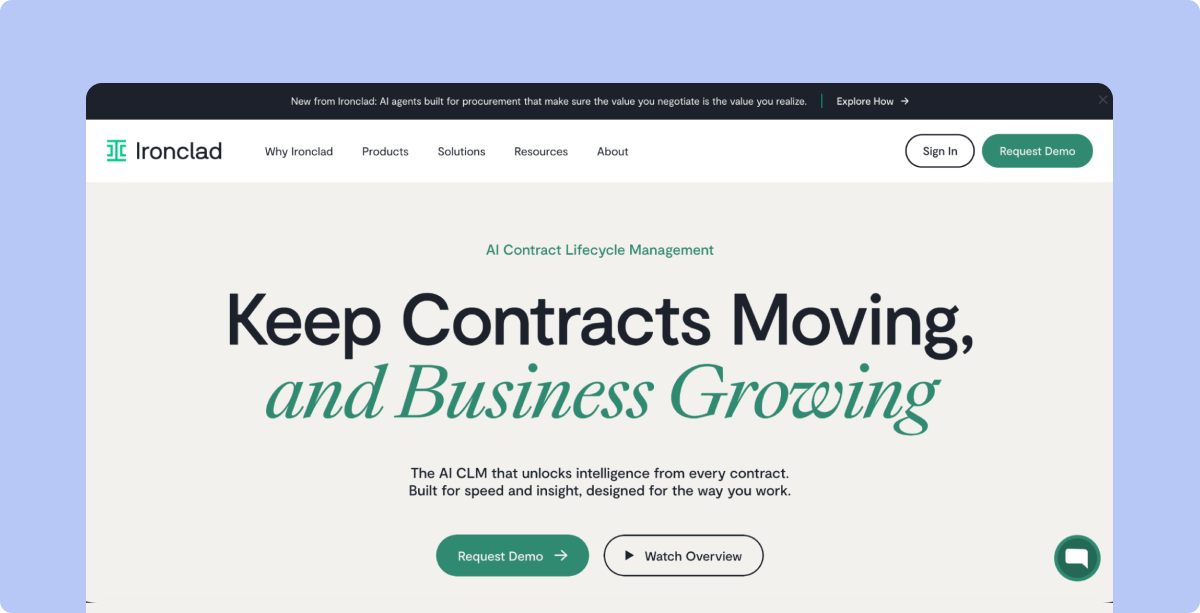
Ironclad suits large organizations that need highly configurable workflows and have the internal resources to run them. The workflow builder's interface is powerful and modern, but that capability assumes a team with enough bandwidth to own configuration and administration over time.
Key Features:
Best For: Enterprises with a dedicated legal ops function that can own configuration long-term. For a lean team, one person often ends up inheriting a system built for a department, which slows implementation and delays results.
Pricing: Ironclad pricing is not published. According to third-party data from Vendr, Ironclad typically quotes $50,000 to $120,000 per year for mid-market buyers, with pricing varying based on contract volume and number of users.
Real User Reviews: On Ironclad's G2 review page, users describe Ironclad as having automated their approval process, moving contracts that used to get stuck in email chains through in days rather than weeks. Some reviewers also mention that the repository's search function can be inconsistent when contracts aren't tagged with precise metadata at upload, making certain documents harder to locate later.
Also read: Ironclad Alternatives
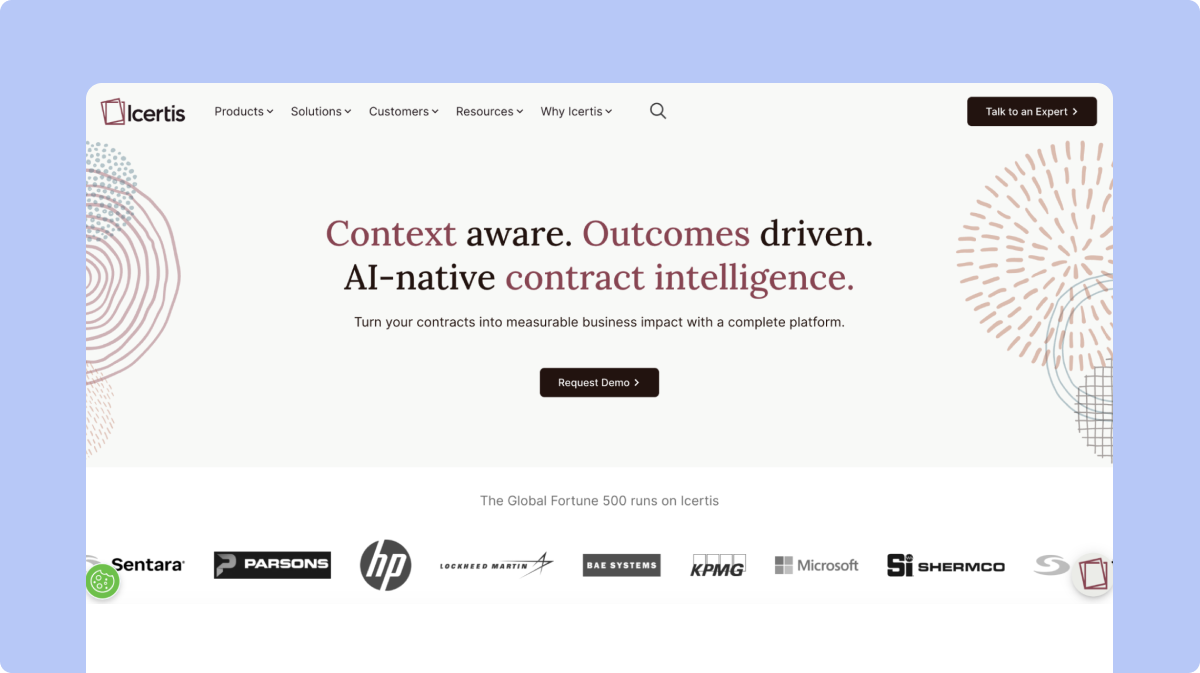
Icertis is built for large global companies and offers advanced compliance, obligation management, and multi-region support for complex operations. If your business doesn't need that level of scale, it's likely more platform and cost than you need, since it's priced for large enterprise teams, not lean legal departments.
Key Features:
Pricing: Icertis does not publish a rate card. All quotes are custom. Year-one cost depends on modules, regions, and implementation scope.
Real User Reviews: Reviewers on Icertis's G2 review page point to Icertis's ability to enforce checks like blocking new contracts against expired parent agreements, along with its searchable repository and reporting data. Other users mention occasional platform errors and connectivity issues that took time to resolve, and note that implementation and onboarding can run long for complex, enterprise-wide deployments.
Also Read: Icertis Competitors
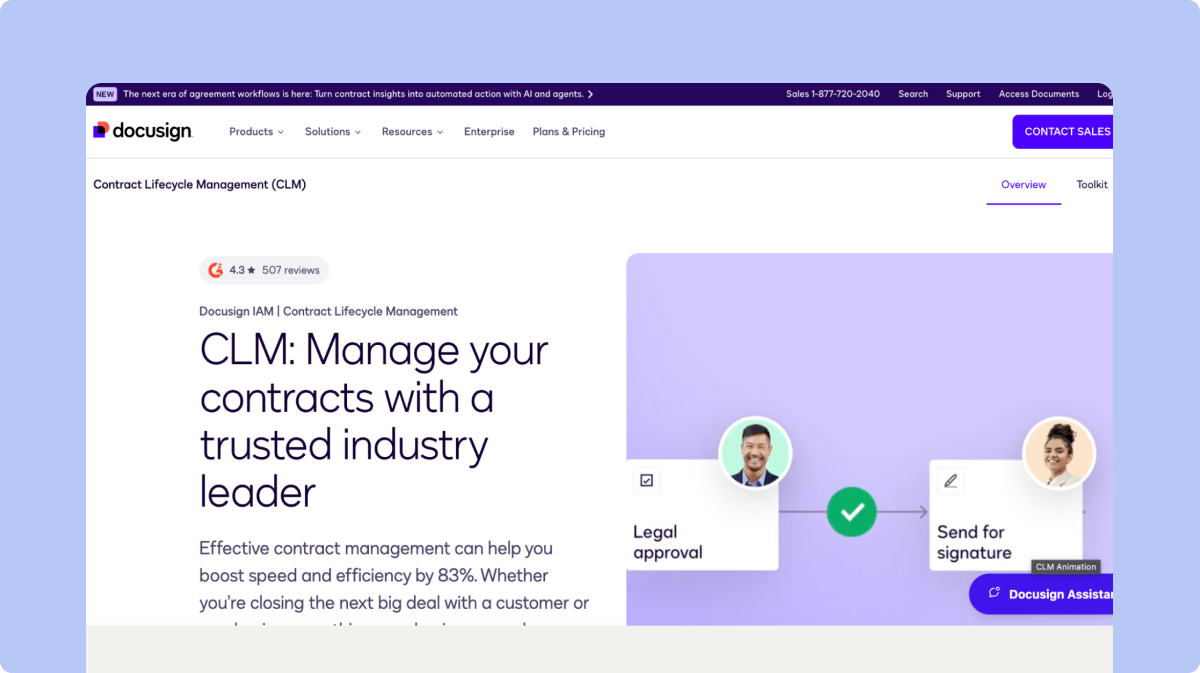
DocuSign CLM builds on its e-signature platform by adding contract drafting, approvals, and workflow automation, making it a natural fit for companies already standardized on DocuSign for signing. Because it was built around e-signatures first, its contract review and negotiation features aren't as comprehensive as CLM platforms designed specifically around the full contract lifecycle.
Key Features:
Pricing: In the DocuSign pricing, the Enterprise tier requires a custom quote. According to third-party data from Vendr, DocuSign buyers pay roughly $3,868 to $82,716 per year, with a median annual contract value of $17,872.
Real User Reviews: On DocuSign CLM's G2 review page, users highlight collaboration, document management, and version control as core strengths of the platform, and one reviewer specifically noted getting advance notice on contracts up for renewal as a standout feature. Some users mention wanting a more streamlined desktop filing experience.
Also Read: DocuSign Alternatives
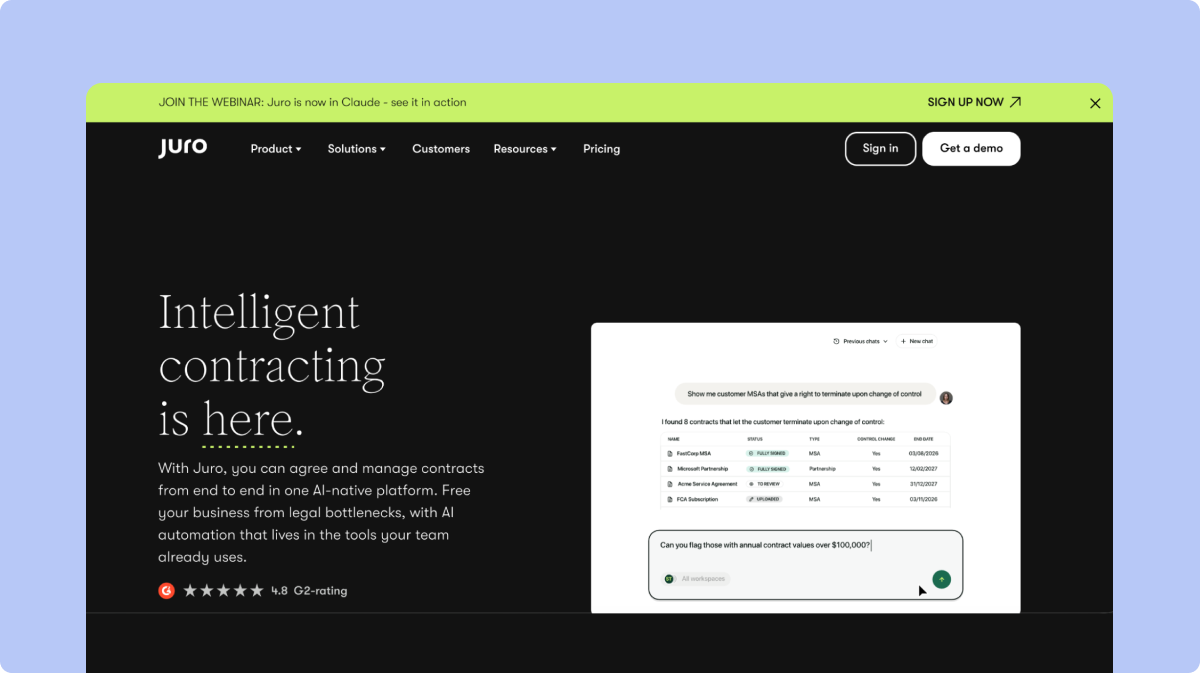
Juro focuses on a simple, browser-native experience that helps business teams create and manage standard contracts quickly without legal hand-holding at every step. Teams handling complex negotiations and needing deep AI contract review may find it less suitable than platforms built specifically around advanced playbook-based review.
Key Features:
Pricing: Juro pricing is not published. Vendr reports a median annual Juro purchase of $31,164, ranging from $11,976 to $132,339. All current plans include unlimited users.
Real User Reviews: Users on Juro's G2 review page describe fast onboarding, with one reviewer noting a sales team was creating and signing contracts within a day of a 30-minute training session. Other reviewers mention that receiving a contract to review inside Juro rather than a familiar Word or PDF format takes some adjustment for external parties andparties, and that templates can feel less flexible than native Word documents in certain cases.
See a full SpotDraft vs. Juro comparison for a direct feature breakdown.
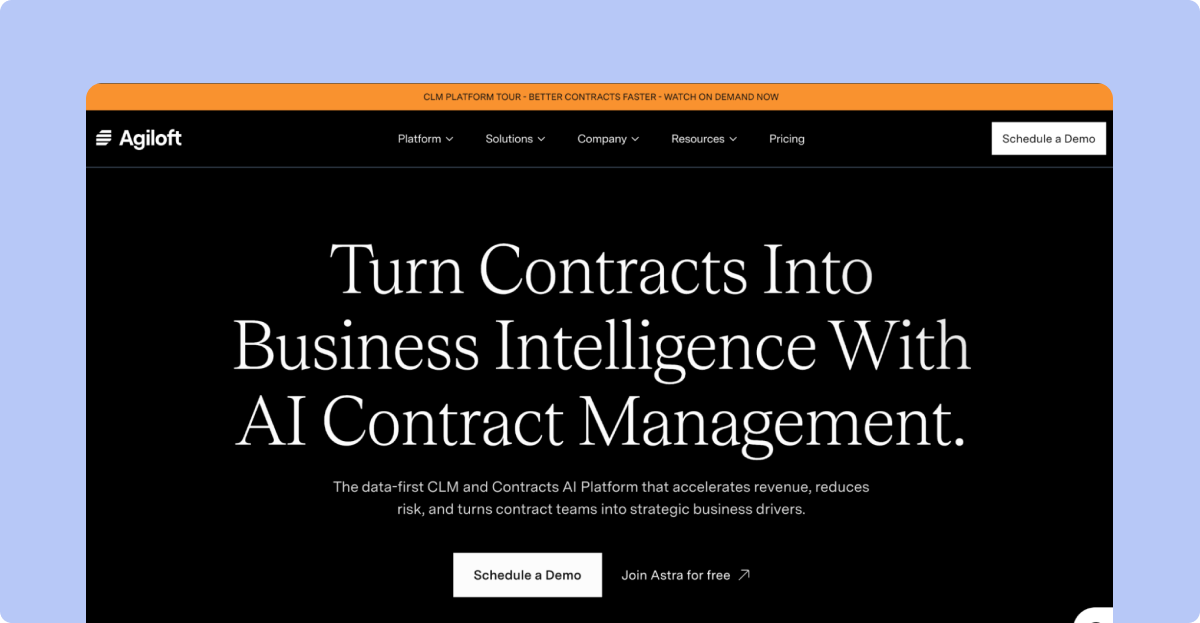
Agiloft provides a flexible, no-code platform that can support complex and highly custom workflows, which works well for teams with someone dedicated to managing the system long-term. For lean teams, that same flexibility can become a burden, since it requires more time and resources to configure well.
Key Features:
Best For: Teams with the internal resources to own deep configuration, particularly those with unusual or highly specific contract lifecycle needs.
Pricing: Agiloft pricing is not listed publicly. The platform uses a quote-based model across three tiers (Essentials, Advanced, and Premium), with annual costs ranging from approximately $6,000 to over $60,000 depending on users, features, and integrations. The average buyer pays around $68,121 per year according to Vendr marketplace data.
Real User Reviews: On Agiloft's G2 review page, users point to the dashboard view that shows all contracts across stages at a glance as a helpful feature. Reviewers also note that Agiloft's AI is positioned as guidance for redlining and clause review rather than full authoring, which shapes how much hands-off automation teams should expect going in.
LinkSquares is strong at finding and analyzing signed contracts, and it works especially well for teams that struggle to locate existing agreements scattered across drives and inboxes. Because it leans more toward the repository side of CLM, teams may still need stronger solutions for contract requests, drafting, and negotiation.
Key Features:
Pricing: LinkSquares pricing is not published. However, third-party data from Vendr reports that buyers pay between $5,999 and $79,318 per year, with a median annual contract value of $31,000.
Real User Reviews: Reviewers on LinkSquares's G2 review page describe LinkSquares as having reshaped how their legal department operates, particularly around interdepartmental self-service access to contract data. Some users note that because it leans repository-first, teams handling active drafting and negotiation sometimes look to pair it with additional tools for those earlier lifecycle stages.
See a full SpotDraft vs. LinkSquares comparison for more detail.
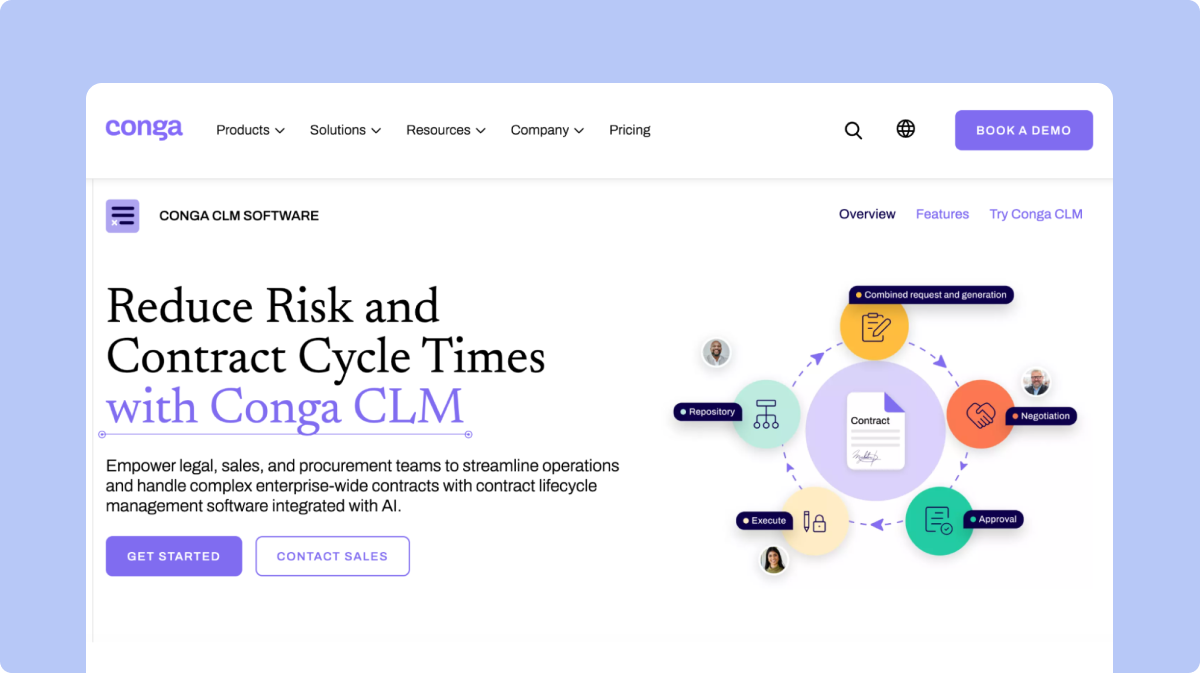
Conga suits companies that run their contracts through Salesforce, since it connects contract workflows, approvals, and CRM data in one place. For legal teams managing contracts outside of sales, the setup can feel like extra overhead, as it's built with larger, Salesforce-centric enterprises in mind.
Key Features:
Pricing: Conga pricing is not published. According to third-party data from Vendr, the median buyer pays around $16,800 per year, with observed prices ranging from approximately $2,177 to $88,942 annually depending on the products, users and contract structure.
Real User Reviews: Users on Conga's G2 review page mention the flexibility to build multiple document templates for different quoting scenarios, along with straightforward Salesforce integration and responsive support. Some reviewers also note the interface currently mixes older and newer design elements, and that setup typically benefits from a dedicated Salesforce admin or consultant.
Also Read: Conga Competitors
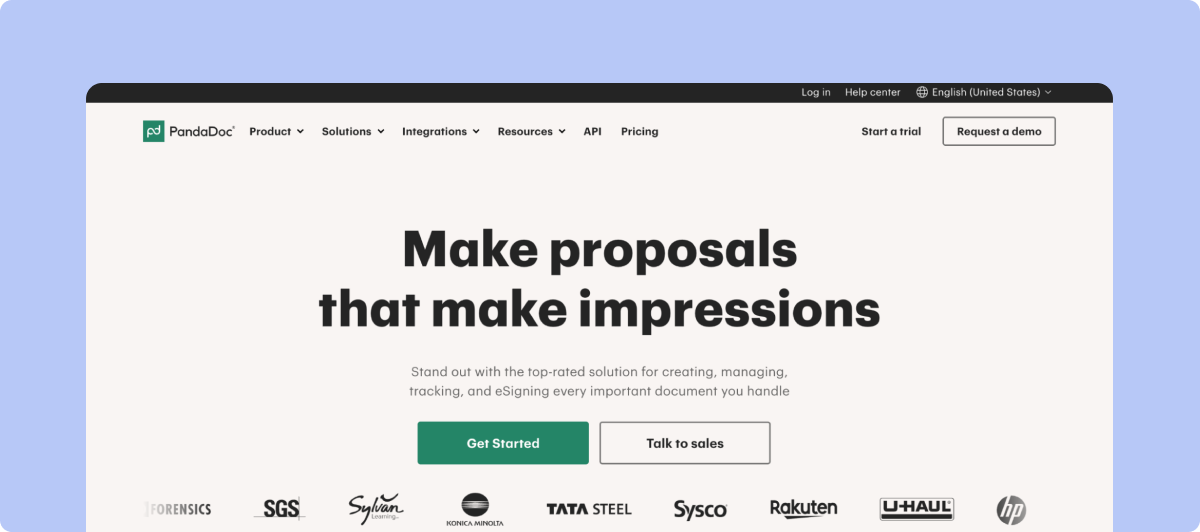
PandaDoc is easy to set up and affordable for teams with simple contract needs. It helps with document creation and e-signatures, making it a solid first step away from emails and shared drives, but as contract volume grows, teams typically need more advanced CLM features and costs can climb with added users.
Key Features:
Best For: Small businesses with light, low-complexity contract volume that need something better than email attachments without a full CLM buildout.
Pricing: PandaDoc’s public plans start at $19 per user per month. Third-party data from Vendr suggests that actual pricing can vary based on plan, number of users and contract requirements.
Real User Reviews: On PandaDoc's G2 review page, users describe PandaDoc as easy to use, with saved email templates cited as a convenient feature that streamlines their workflow. Some reviewers mention that certain functionality sits behind higher-priced plans, which can add up for smaller teams as they scale usage.
Choosing a contract lifecycle management is less about finding the platform with the longest feature list and more about finding one that fits how your team actually works.
Gartner's Critical Capabilities for Contract Life Cycle Management evaluates CLM platforms across capabilities including contract creation, negotiation and approval, search and storage, obligation tracking, renewal management, automated contract review and contract risk analysis. Those capabilities provide a useful framework for evaluating whether a platform covers the full lifecycle rather than solving only one part of it.
Before comparing vendors, look at these factors:
Find out how long it will take to get the platform live and who is responsible for the work. Ask whether migration, configuration, integrations and training are included or charged separately. A platform that takes months to implement may not make sense for a lean legal team that needs to see results quickly.
Your CLM will only be useful if legal and business teams actually use it. Look for simple intake, familiar workflows and a user experience that does not require extensive training for every contract request.
If AI review is important, look beyond whether a vendor simply offers an AI assistant. Check whether it can review contracts against your own playbook, identify deviations from your preferred positions and explain why a clause has been flagged.
Your CLM should fit into the tools your teams already use. Check whether it integrates with systems such as CRM, procurement, collaboration and identity platforms. Also consider whether those integrations are included in the standard price or require additional fees.
Consider how much of the contracting process the platform can handle without sending work to another system. Native e-signature, automated approvals, contract generation, repository management and renewal tracking can reduce the number of tools your team needs to manage.
Do not compare vendors based only on the advertised subscription price. Look at implementation fees, additional modules, user limits, integration costs, e-signature charges and support fees. A cheaper starting price can become expensive once the features your team needs are added.
Ask what support looks like after implementation. A dedicated customer success manager, responsive technical support and help with adoption can matter significantly for smaller teams that do not have a dedicated CLM administrator.
Choose a platform that can grow with your business, but do not pay for complexity you do not need today. Consider whether the CLM can support higher contract volumes, additional business entities, new workflows and more users as your organization grows.
The right CLM should solve your team's current contracting problems without creating another system that requires significant time and resources to maintain. If you are still evaluating whether the investment makes financial sense, calculating contract management ROI can help you build the business case before comparing vendors.
SpotDraft was built for fast-growing companies where the legal team needs to move quickly without adding more operational overhead. You get an enterprise-grade contracting platform without having to build a separate admin function around it.
1. Implementation is handled in-house. SpotDraft’s CLM implementation team works with your legal and business teams to get the platform up and running in weeks. That includes contract migration, configuration and training, so your team does not have to manage the rollout on its own or pay separately for basic implementation support.
2. AI contract review works from your playbook. Instead of relying only on generic rules or predefined risk flags, SpotDraft’s AI can review contracts against your team's own playbook. You can define the positions your legal team typically takes, the clauses you care about and the changes you want flagged. This gives reviewers a starting point that is closer to how your team actually evaluates contracts.
AI-assisted contract review is also moving from experimentation toward broader adoption. The 2025 State of Contracting survey, based on 286 legal professionals, found that 14% of legal teams were using AI for contract review, up from 8.1% the previous year, while 64% were actively exploring AI solutions.
3. Everything your team needs is in one platform. Contract creation, review, approvals, repository management and e-signature are connected in the same workflow. SpotDraft also includes native unlimited e-signature, so teams do not need to purchase a separate signing tool or manage another system for the final step of the contracting process.
4. Support does not stop after implementation. Teams get a dedicated customer success manager along with 24/7 support. This gives legal teams a point of contact when they need help with workflows, adoption or day-to-day questions rather than having to figure everything out themselves.
5. Pricing is predictable. SpotDraft follows an all-inclusive pricing model rather than splitting core functionality across multiple paid add-ons. That makes it easier for lean legal teams to understand what they are paying for and plan for the cost as their contract volume grows.
The potential impact goes beyond faster drafting. In a 2026 global study of more than 1,100 leaders, Deloitte and DocuSign found that organizations using AI contract lifecycle management reported 36% efficiency gains, while legal respondents reported an average 37% time savings across agreement-management activities.
If you’re looking to modernize how your team manages contracting, SpotDraft gives you a simpler way to bring your workflows, approvals and agreements into one place. Explore SpotDraft to see how it can fit into your existing processes, compare SpotDraft with other CLM platforms and, when you’re ready, book a demo to get a go-live plan based on your workflows, contract volume and team structure.